Runway Pricing, For People Who Build Worlds
Runway's plans start around $12 and top out near $95 a month. Here's what that buys, and where Kling AI fits if you want it cheaper.
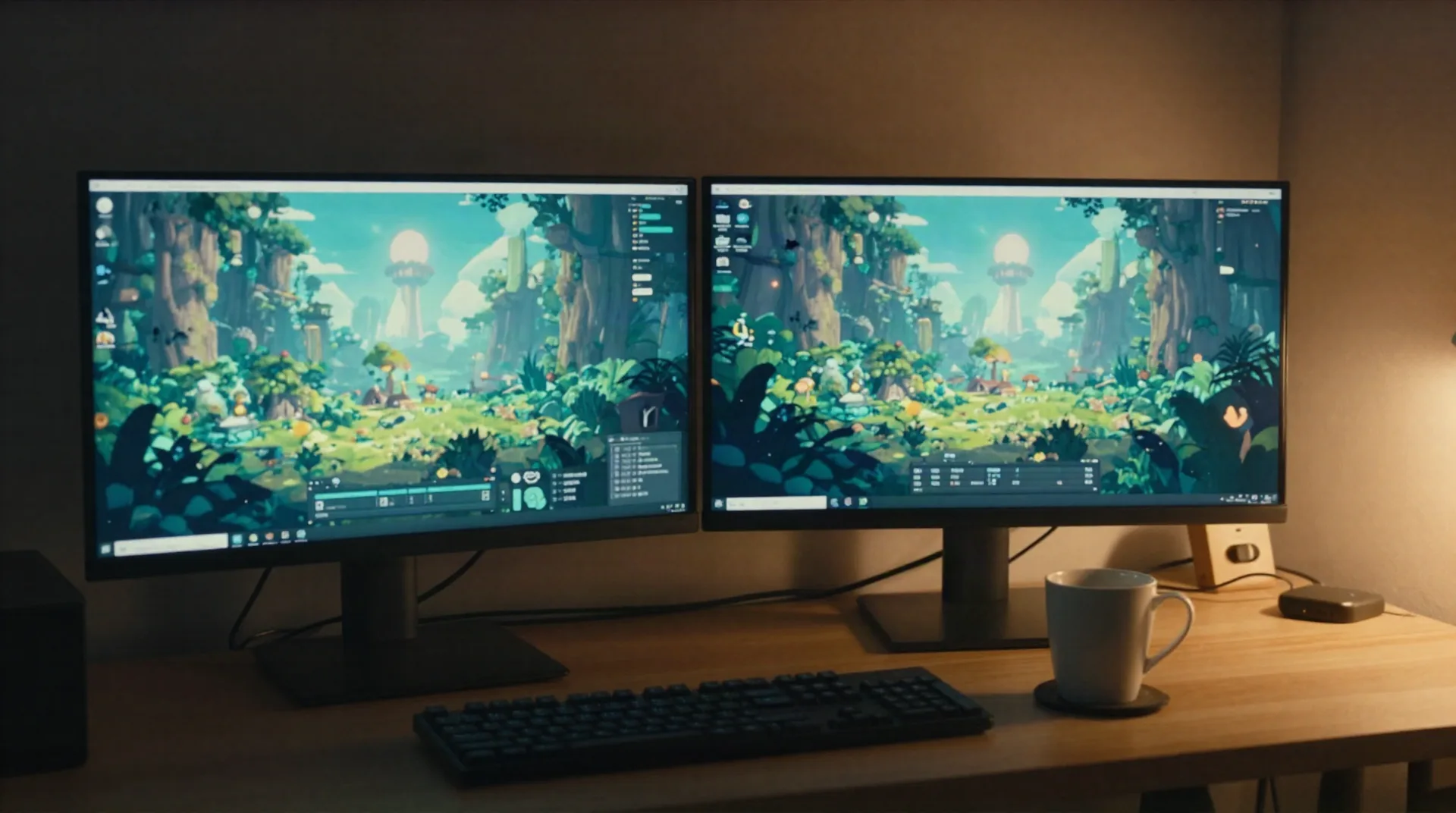
What you're actually trying to do
Runway pricing questions usually hide one of these jobs.
Trailer for your world
Turn a generated environment into 30 seconds of moving footage for itch.io, Discord, or a Kickstarter page.
Devlog b-roll
Fill a devlog without screen-recording your editor for the tenth time this month.
Creature motion tests
See how a generated character moves before you commit to a rig or a mocap session.
Budget before you commit
Credits, tiers, and overage fees are confusing on purpose. You want the real number before signing up.
A cheaper second option
Runway's pricing has shifted enough times that a lot of creators keep a backup tool in the rotation.
Testing a pipeline
Prototype a look before you build automation around it in your world-generation workflow.
Turn the world you built into something that moves
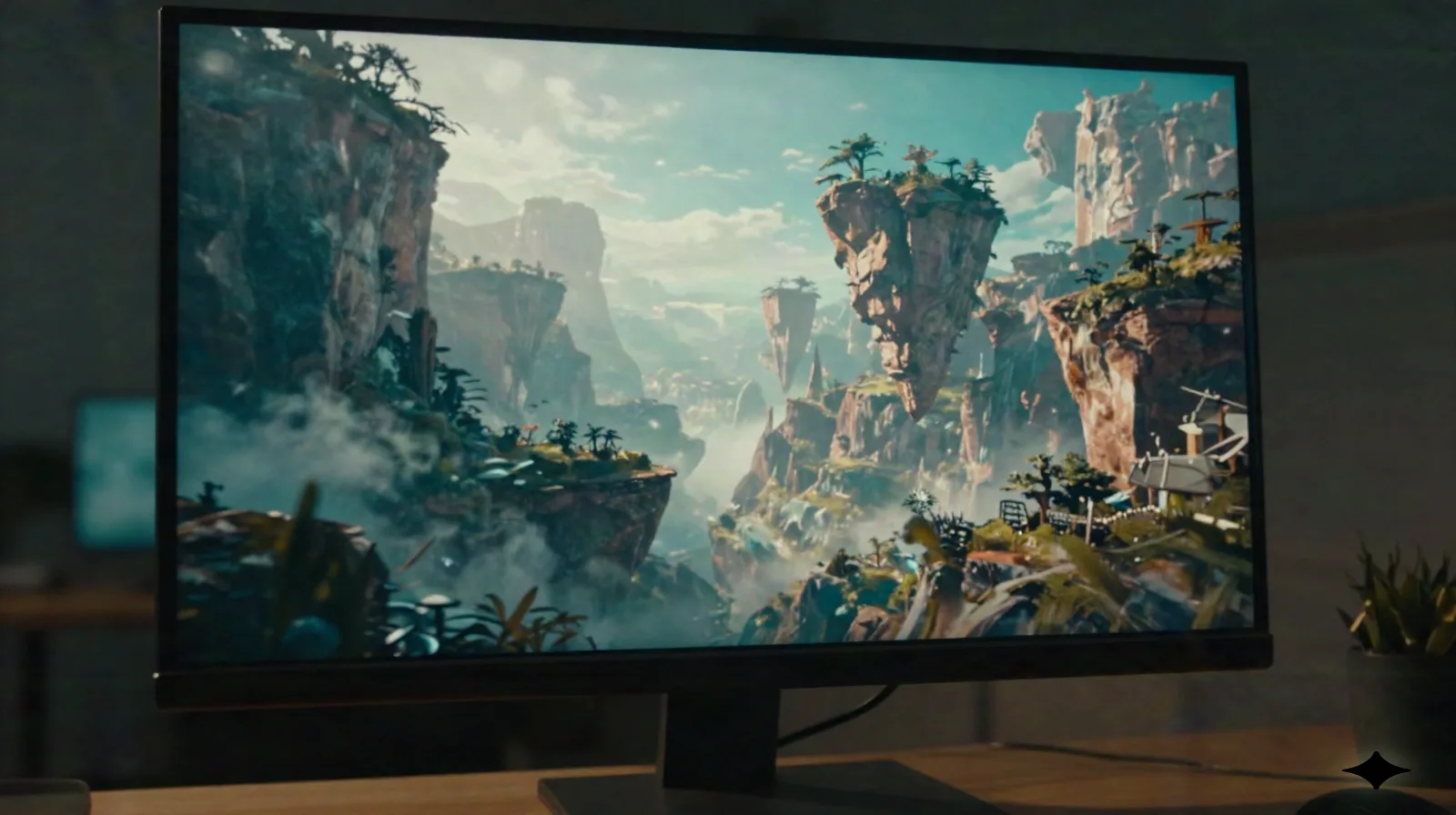
You spent the weekend prompting a canyon, a jazz club, a flooded city. It looks right in a screenshot. Video is what convinces someone else to step inside. Runway and Kling AI both take a still frame or a text prompt and generate motion: camera pans, drifting light, characters that walk. The difference is what you pay per second of usable footage.
- Image-to-video from a single generated frame
- Camera moves: pan, dolly, zoom
- Clips typically 5-10 seconds per generation
NPCs and creatures, before you touch a rig
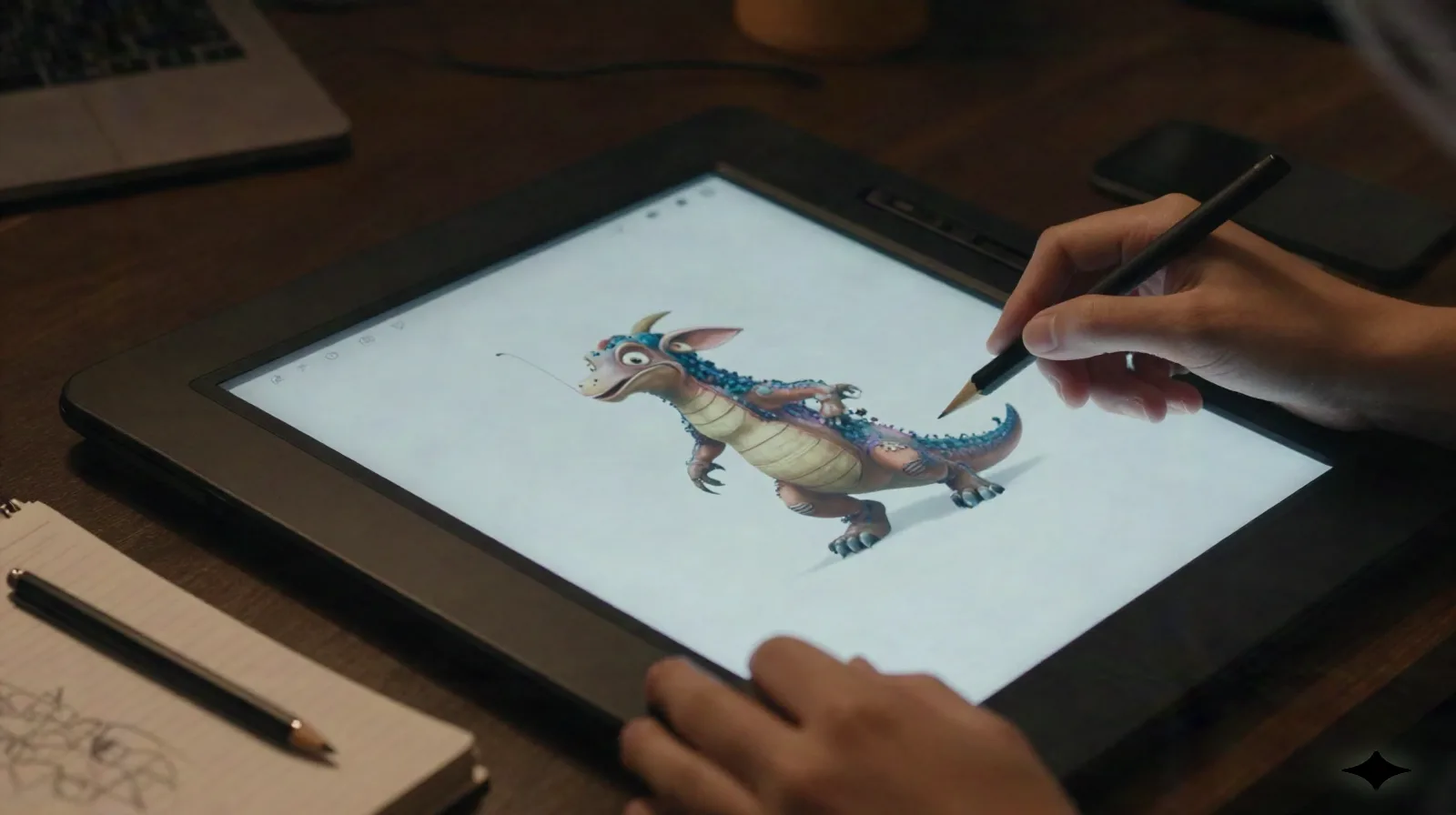
A world isn't just terrain. It's who lives there. Feeding a character concept into a video model gives you a rough motion test, a walk cycle, an idle animation, in minutes instead of days. It won't replace a rigged mesh in your engine. It will tell you fast whether the design reads before you spend the time building it properly.
- Motion tests in minutes, not a rig sprint
- Useful for pitching a creature before building it
- Not a replacement for in-engine animation
Runway vs. Kling AI, on price
Figures reflect publicly listed pricing pages as of publication. Both platforms run on credits, so your real cost depends on resolution and generation mode.
| Plan | Runway | Kling AI |
|---|---|---|
| Free tier | 125 one-time credits | 66 credits/day |
| Entry paid plan | ~$12-15/mo (Standard) | ~$10-15/mo (Standard) |
| Mid paid plan | ~$28-35/mo (Pro) | ~$35-40/mo (Pro) |
| Top paid plan | ~$76-95/mo (Unlimited) | ~$90-100/mo (Premier) |
| Pay-per-generation | Not standard | Available as add-on packs |
Kling AI pricing
The tiers Kling AI lists as of publication. Check their site for current numbers before you commit.
Free
66 credits/day, expire in 24h
- Enough to test motion quality
- Standard-mode generations
- No card required
Standard
For regular use
- More monthly credits than Free
- Standard and Professional modes
- Priority queue over the free tier
Pro
For heavier production
- Highest monthly credit allotment on a subscription
- Faster generation queue
- Pay-per-generation add-on available
Common questions
Is Runway pricing the same for everyone?
How does Kling AI pricing compare to Runway?
Do I need Runway or Kling AI to build a world in AuxWorld?
Can I just use the free tier?
What's the real learning curve?
Does cheaper mean worse motion quality?
Is there a pay-per-generation option if I don't want a subscription?
Try Kling AI before you commit to a plan
Free credits reset daily. Test it against your own world before deciding what you actually need to pay for.