How to Make a Game on Roblox: Your First Build Tonight
Summary
To make a game on Roblox, install the free Roblox Studio, start from the Baseplate template, block out a small obstacle course with anchored Parts, add one Luau script that reacts when a player touches a Part, then publish privately and playtest. This guide gives the exact scripts, explains where the built-in AI Assistant helps and where it does not, and says when another engine suits you better.
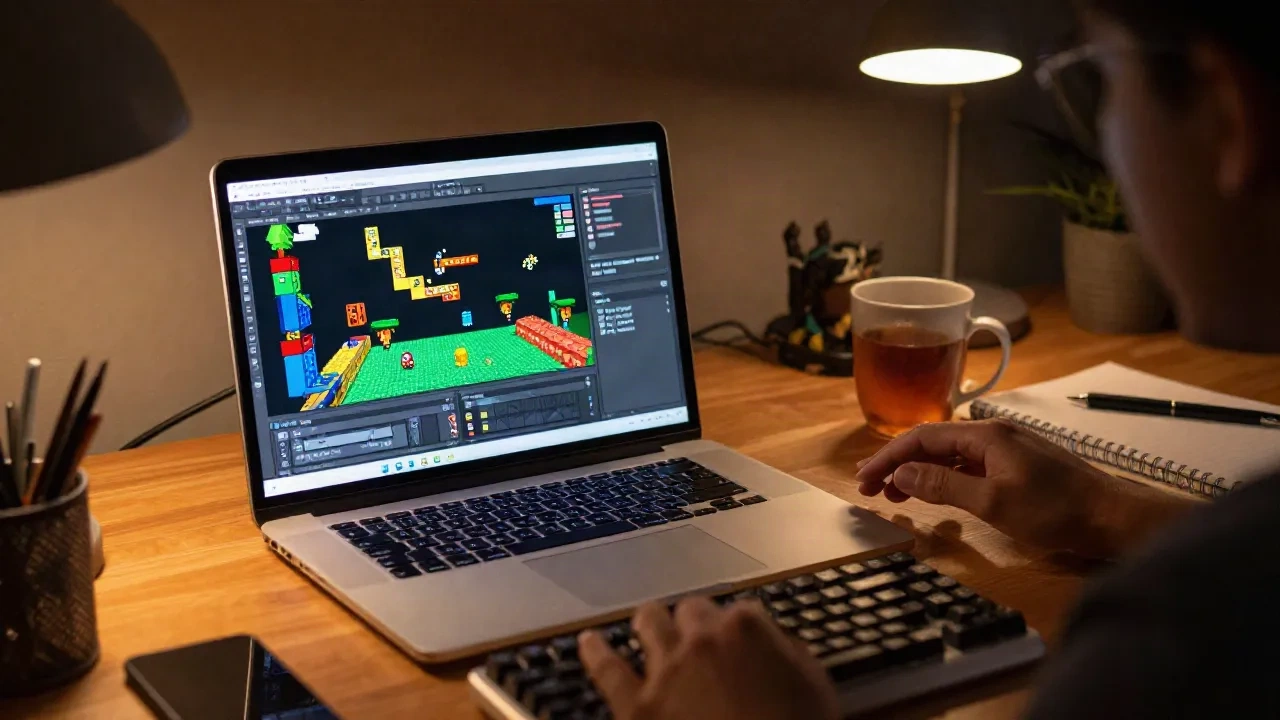
Here is how to make a game on Roblox: install Roblox Studio (it is free), open the Baseplate template, build a small greybox level with Parts, add one Luau script that does something when a player touches a Part, then publish and playtest it. That loop takes one evening. The rest of this guide walks through each step with the exact scripts, and shows where an AI assistant helps and where it does not.
What do you actually need before you open Studio?
A Roblox account, a computer that runs Windows or macOS, and one small idea. Studio is a desktop app. There is no official version for phones or tablets, so plan on a laptop.
The idea matters more than the install. Pick a game you can describe in one sentence. "Jump across floating platforms, collect three coins, reach the flag." That is an obby, and it is the most common first Roblox project for a reason: it needs geometry, one script and nothing else.
Skip the open-world survival game with crafting and pets. You will not finish it. Worth the effort instead: a level you can play in ninety seconds.
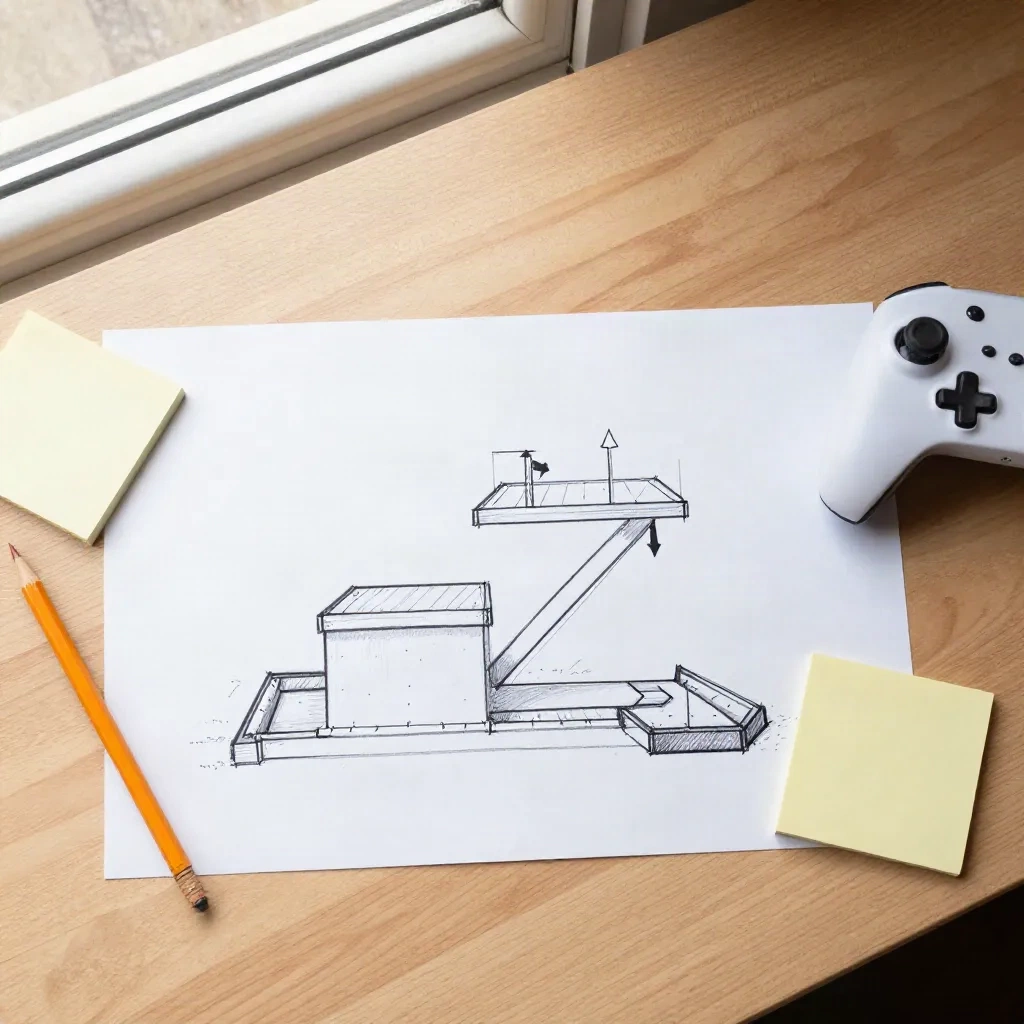
Sketch the course on paper first. Five platforms, one hazard, one finish line. Draw the arrows where the player moves. Ten minutes here saves an hour of dragging Parts around later.
How do you build the level in Roblox Studio?
Open Studio, choose the Baseplate template, and save the project. You get a flat gray plane and a spawn point. Everything else is up to you.
The panels you will live in are the Explorer (the tree of every object in your game), Properties (the settings of whatever you selected) and the 3D viewport. Insert a Part from the Home tab, then use Move, Scale and Rotate to shape it. Duplicate it with Ctrl+D (Cmd+D on Mac).
Build in this order:
Place a start platform around the spawn point.
Add four or five floating platforms with gaps a player can clear with one jump.
Add a finish platform and one Part to act as the flag.
Select every Part and set Anchored to true in Properties, so nothing falls when the game runs.
That last step is the classic first-hour bug. An unanchored platform drops the moment you press Play. If your course collapses, check Anchored first.
Roblox's own first experience tutorial follows the same arc: block out the level as a greybox, script the gameplay, then polish. Grey boxes are not a shortcut. They are how you find out whether the level is fun before you spend a day on textures.
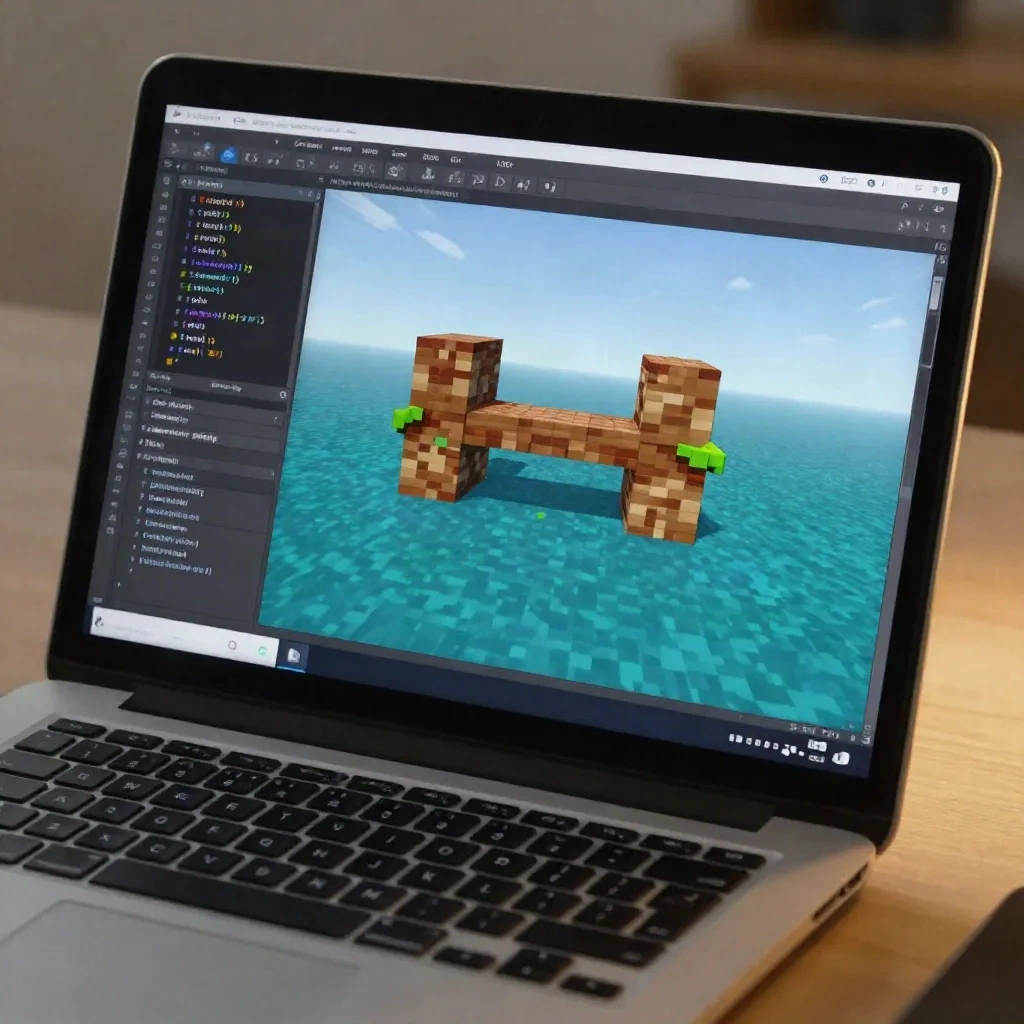
Which script makes the first thing happen?
Roblox games are scripted in Luau, a fast variant of Lua. You do not need to learn the language first. You need one working script, then you change one thing.
Here is a kill brick. Insert a Script inside a red Part (the hazard) and paste this:
local hazard = script.Parent

hazard.Touched:Connect(function(hit)
	local humanoid = hit.Parent:FindFirstChildOfClass("Humanoid")
	if humanoid then
		humanoid.Health = 0
	end
end)
Press Play. Touch the brick. You respawn at the start.
That is the whole pattern behind most Roblox mechanics: an event fires, you check who caused it, you change something. Touched is the event. Humanoid is how you recognize a player character. Health = 0 is the change.
Now swap the last line. Set humanoid.WalkSpeed = 40 and the Part becomes a speed pad. Set humanoid.JumpPower = 90 and it is a launch pad. Fork it. Change one thing. See what happens.
How do you add a goal and a win state?
A level without an ending is a toy. Add a finish Part and a script that tells the player they made it.
local finish = script.Parent
local Players = game:GetService("Players")

finish.Touched:Connect(function(hit)
	local player = Players:GetPlayerFromCharacter(hit.Parent)
	if player then
		print(player.Name .. " reached the flag")
	end
end)
The print shows up in the Output window. That is enough to prove the logic works. To make it visible to players, later you will add a leaderboard or a screen message, which is exactly the "script the gameplay" chapter in the official course.
Do not build a leaderboard on day one. Get one level to end. Everything after that is iteration.
Can an AI assistant build the game for you?
Partly, and the honest answer changed this year. Roblox's Assistant runs inside Studio and, per Roblox's documentation, can write and run Luau code, generate materials and meshes, and playtest alongside you. You can also bring your own API key from Anthropic, OpenAI or Google.
In April 2026 Roblox added a planning mode that reads your game's code and data model, asks questions, and turns a prompt into an editable plan, according to TechCrunch's coverage. The same announcement covered mesh generation, and said procedural models were still coming soon.
Try a prompt like this in the Assistant panel:
Add a checkpoint system to my obby. Touching a Part named Checkpoint1 should set the player's respawn point to that Part.It will draft the script, and you read it before you accept it. That second part is the skill. An assistant that writes code you do not understand gives you a game you cannot fix.
Use it for boilerplate, for naming things, and for the third attempt at a bug. Do not use it to skip the greybox. The assistant does not know whether your jump gaps feel good. Roblox's own course says the same thing in effect: terrain, visual style, gameplay design and playtesting stay with you.
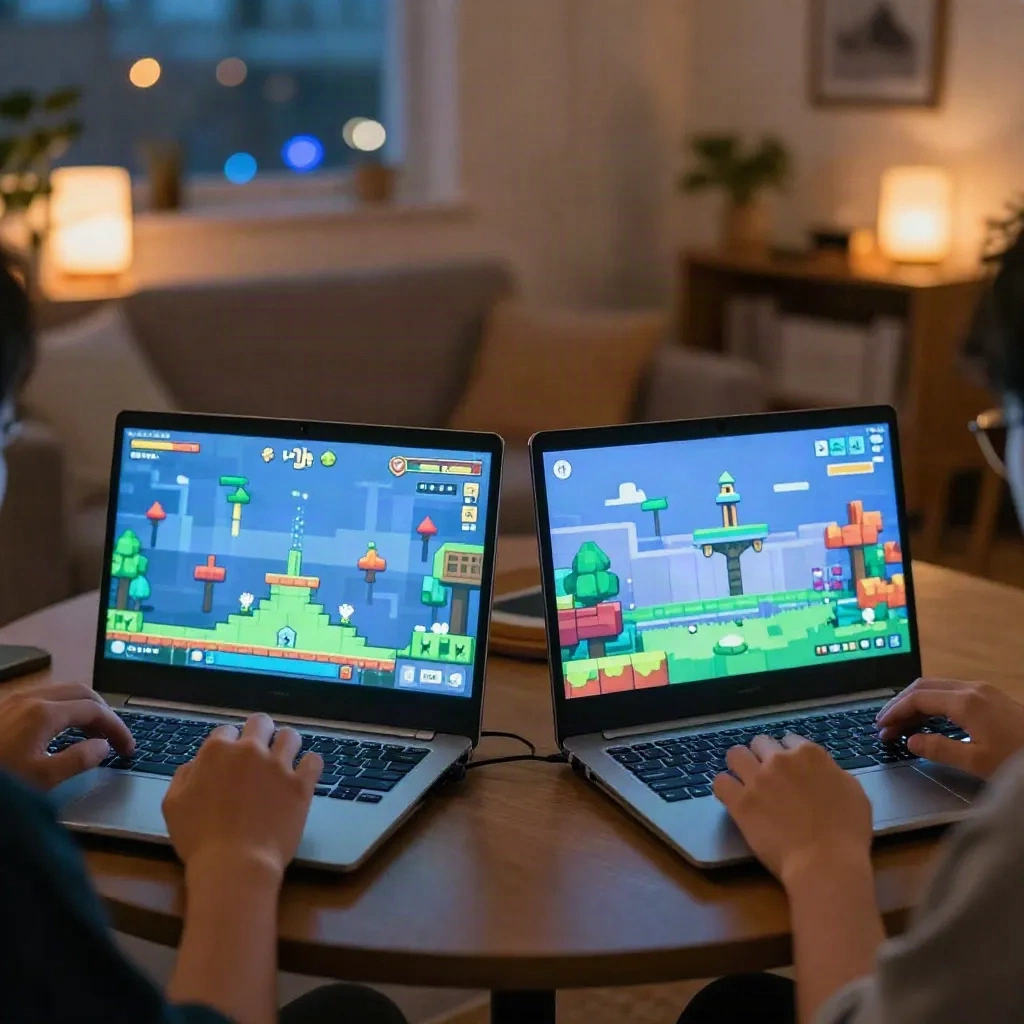
When is Roblox the wrong place to start?
Roblox is a platform, not just an engine. Your game lives inside its ecosystem, is discovered through its catalog and plays in its client. That is a gift if you want a built-in audience of players and instant multiplayer. It is a limit if you want your own storefront, your own art style outside blocky avatars, or a game you can ship anywhere else.
Some honest comparisons:
You want a 2D game with fast event-based logic and no code: look at GDevelop.
You want a free, open engine with no royalties and a standalone release: Godot.
You want a large asset ecosystem, console targets and years of tutorials: Unity.
If the blocker is not the engine but the weeks of modeling between your idea and something playable, that is a different problem. Prompt-to-world tools such as AuxWorld exist for that gap: you describe a place, and you can step inside it in about thirty seconds, then fork it. It is a way to test whether a world is worth building before you commit a month to it. It does not replace learning level design, and it is not the same thing as shipping on Roblox.
Why does your first obby feel bad to play?
Because distance is the whole game, and nobody gets it right by eye. A gap that looks small in the editor can be impossible at the default walk speed.
Test every gap yourself, ten times in a row. If you clear it nine times out of ten, it is a fair jump. If you clear it five times out of ten, it is a skill check, and a level should have maybe two of those.
Three habits fix most of the feel problems:
Vary the rhythm. Easy jump, easy jump, hard jump, rest platform. A flat line of identical gaps is boring after the fourth one.
Give the eye a landmark. A tall tower or a bright Part in the distance tells the player where they are going without a word of text.
Make failure cheap. Falling should cost five seconds, not two minutes. Add a checkpoint after every hard section.
A word on where scripts live. A Script placed inside a Part runs on the server, which is right for hazards, pads and goals. Scripts that react to a player's keyboard or screen belong somewhere else, in a LocalScript. You will not need that for the first level. When you do, the Explorer will show you the places Roblox expects each kind of script to sit, and the documentation lists them.
How do you publish and test with real players?
Use File, then Publish to Roblox. New experiences are private by default, which is exactly what you want while testing. Invite two friends, or open a second client yourself, and play through the course.
Watch where they stop. If three people fall at the same gap, the gap is too wide, not the players too slow. Shrink it by a few studs and publish again.
Collect three kinds of notes while they play: where they got stuck, where they laughed, and where they asked what to do. The last one is the most useful. If a player has to ask what the goal is, add a sign at the spawn point.
When you want help with scripts as you iterate, a general assistant is a fine second pair of eyes. Paste the error from the Output window along with the script and ask what it means.
What should you build next?
Pick one upgrade per session, never three. A checkpoint system. A coin counter. A timer that resets when the player falls. Each one teaches one new Roblox concept, and each one keeps the game finishable.
Then ship the ugly version. A published level with five players beats a perfect level in a folder called "final_v7". Your first game will have rough edges. The second one will have fewer. The tenth will have a style.
Open Studio tonight. Anchor your Parts. Write the kill brick. See what happens.