AI Video Prompts: How to Keep One World Across Six Clips
Summary
Writing AI video prompts for a single clip is easy. Writing them so six clips describe the same world is the actual skill. This guide breaks down the five-layer Veo prompt structure, the camera verbs that matter more than adjectives, and the world-key trick that cut one indie developer's unusable-clip rate from 40 percent to roughly 10 percent across a full sequence.
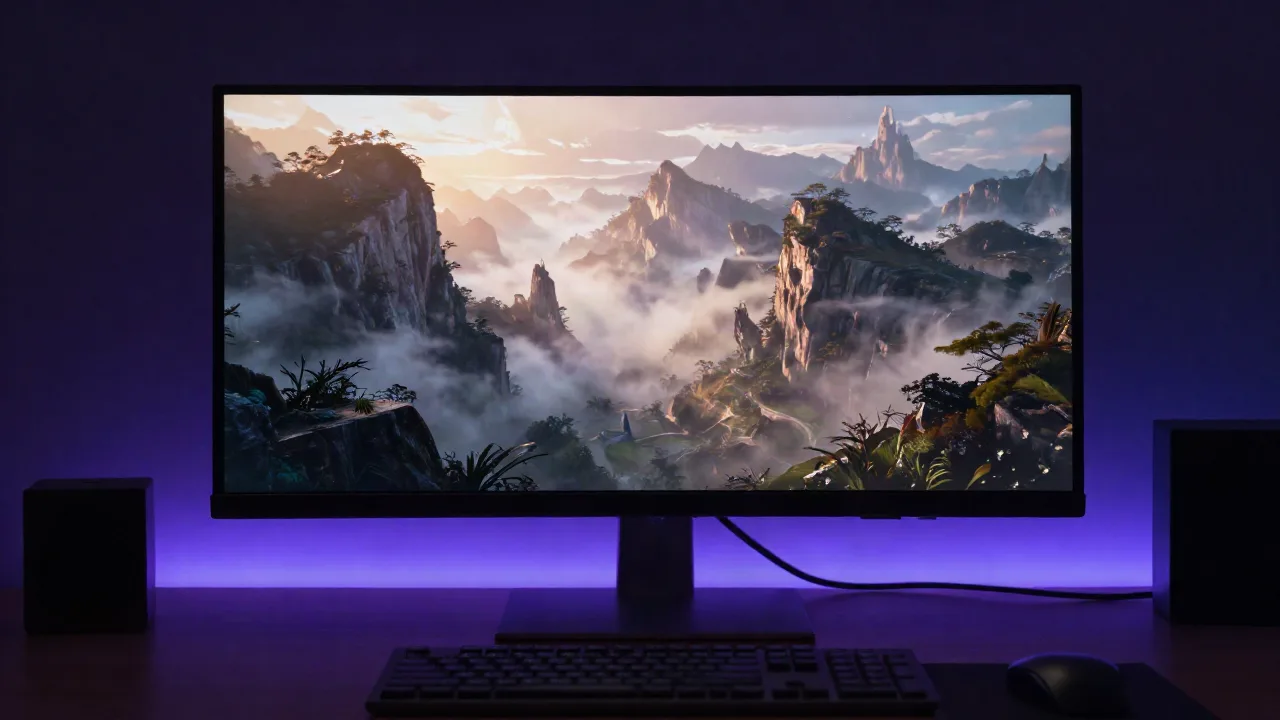
Most AI video prompts are written for a single clip. Mine have to survive six. That's the job when your prompt also has to describe a playable world: the light in clip one has to match the light in clip four, or the whole thing reads as broken continuity instead of a place. Here's the exact structure I use for AI video prompts on Veo, what changes when I run the same brief through Kling, and the habits that were quietly wasting a third of my generation credits.
Why most AI video prompts break after clip two
I had six cinematic shots to generate for one world: an establishing wide, a mid-level pan, a close on the water, three character beats. Six separate prompts, written fresh each time, the way every guide tells you to write them.
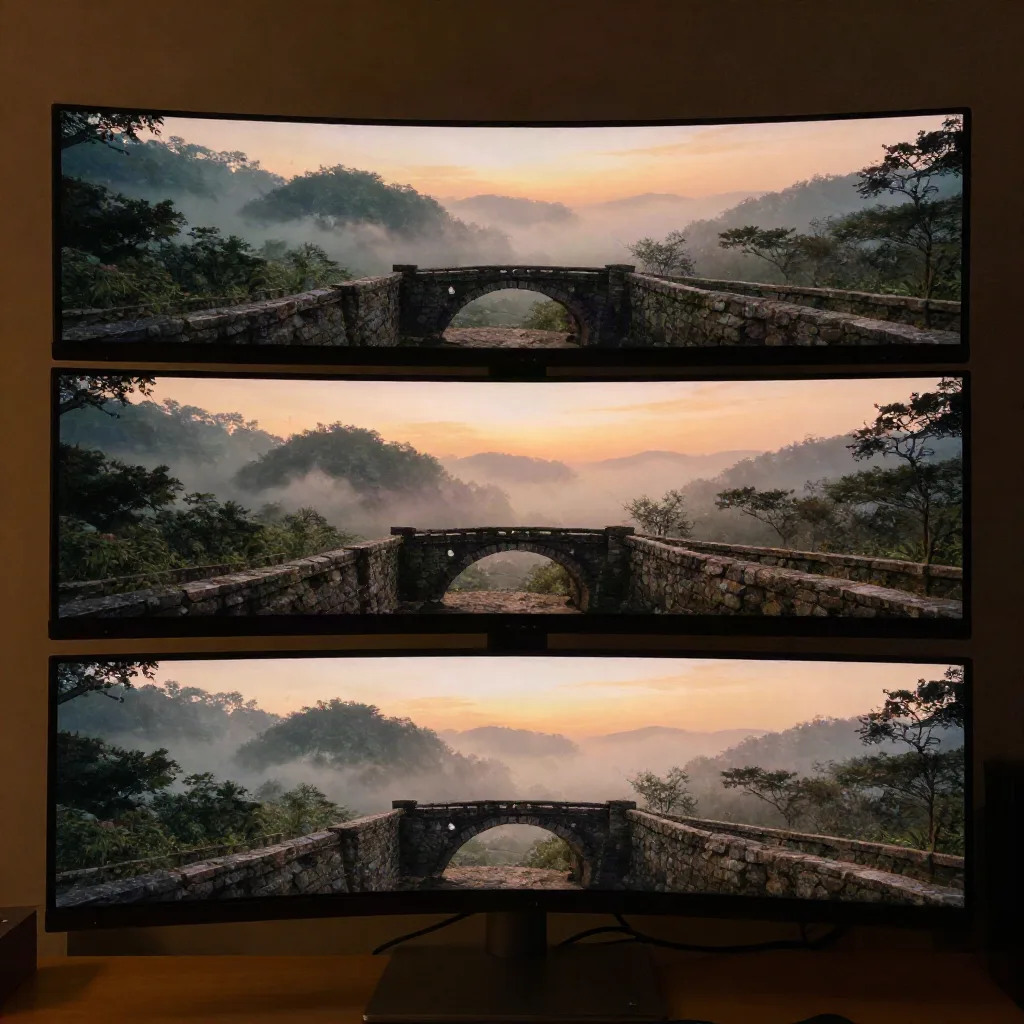
By clip three, the fog had thinned. By clip five, the light had gone from dusk-blue to something closer to noon. Nobody told the model to change the weather. I just described it slightly differently each time, and slightly differently, six times in a row, adds up to a different planet.
The fix wasn't a better prompt. It was a locked block I paste at the top of every clip in the sequence, unchanged:
World key (reuse verbatim across every clip):
misty highland valley, dusk, cool blue-violet light, thin ground fog,
distant mountain silhouette, restrained color grade, no lens flare
Everything after that line is free to change: subject, action, camera. The world key doesn't. Once I started treating continuity as a fixed asset instead of a hope, my unusable-clip rate on a six-shot sequence dropped from roughly 4 in 10 to about 1 in 10.
That sounds small until you count credits. A six-clip sequence at a 40 percent failure rate means regenerating two to three shots, every time, on top of the six you already paid for. At a 10 percent failure rate, most sequences finish clean on the first pass. The prompt got shorter. The output got more predictable. Those two things happening together is the part worth noticing.
The five layers Veo actually rewards
Google's own prompting guide for Veo 3.1 breaks a strong prompt into five parts: subject and action, camera, environment and lighting, style and mood, and audio, meaning dialogue, sound effects, and ambient noise, each written as its own line. Skip the audio layer and you get a silent clip that reads as unfinished even when the visuals are right.
Here's a prompt built on that structure, describing a scene I actually generated:
Camera: slow dolly in, waist height, shallow depth of field
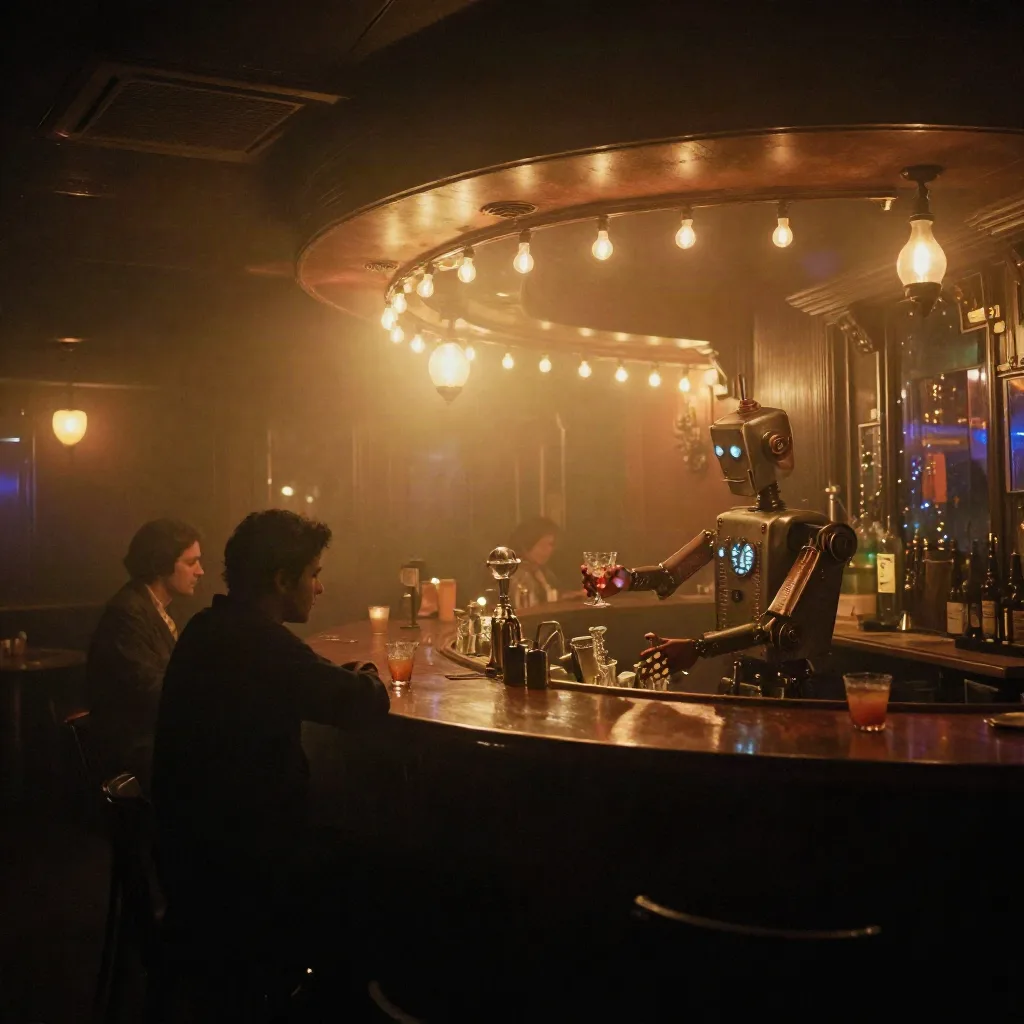
Subject: a robot bartender polishing a glass behind a worn wood bar
Action: he sets the glass down and looks up as the door opens
Environment: a foggy 1920s Detroit jazz club, warm string lights, thin haze
Style: 1940s film noir color grade, soft grain
Audio: ambient noise, murmured conversation and a muted trumpet
That's not a keyword list. It's five short instructions the model can act on independently, which matters more than it sounds like it should. Google cites one customer, the audio app Pocket FM, reporting a 30 to 40 percent lift in retention after building layered, Veo-generated video into their product. I can't verify that number myself, but the underlying claim, that structure beats a longer adjective pile, matches what I see clip over clip.
Writing NPC dialogue without breaking the scene
The audio layer is where most world-focused prompts fall apart, because dialogue needs to sound like it belongs to a character, not a text-to-speech reader.
Quotation marks matter here more than anywhere else in the prompt. Attribute the line to the character, describe the delivery, and keep it short:
Audio: the bartender says, "We don't get many strangers down here,"
in a flat, unbothered tone. Ambient noise: distant thunder, glasses clinking.
Two lines, not one paragraph. A single long line of dialogue tends to get mangled or clipped. Two short exchanges, each with its own delivery note, come out closer to what you actually pictured. If a scene needs a third line of dialogue, that's usually a sign it should be two clips instead of one, back to the two-new-elements rule from the world key.
Camera language is the lever, not the adjectives
Swap "cinematic" for "breathtaking" in a prompt and almost nothing changes in the output. Swap "static wide shot" for "slow dolly in" and the entire emotional register of the clip shifts, because the model is actually parsing that instruction as a physical camera move, not decoration.
The verbs that consistently do work across Veo and Kling: dolly in or out, pan, crane, steadicam follow, handheld, aerial or drone. Lens choice matters too. A 16mm reads as wide and slightly distorted, good for scale. An 85mm compresses the background and flatters a close subject. Neither one needs three adjectives stacked in front of it to do its job.
Kling handles this differently than Veo in one specific way worth knowing before you pick a tool: it's noticeably stronger on smooth human and character motion over longer clips, where Veo tends to win on natural lighting and prompt adherence on environmental shots. If your world has a lot of NPC-style movement in frame, that's the tradeoff to test for yourself rather than assume.
I run establishing and environment shots through Veo and character-heavy beats through Kling, then match the world key across both. It's more setup than picking one tool and staying there, but the seams show less than you'd expect once the lighting language is locked.
What to skip: the habits that waste your credits
Three things I stopped doing, in order of how much they were costing me.
Keyword-salad prompts. A comma-separated pile like "epic, cinematic, 8k, trending, masterpiece" does less than one clear sentence about what's happening in frame. The model has nothing to act on in a word like "epic." It has plenty to act on in "the camera cranes up as the bridge comes into view."
Vague negative prompts. "No bad quality" tells the model nothing useful. "No lens flare, no motion blur on the foreground subject" tells it exactly what to suppress. Specific negatives work. Vague ones burn a generation and change nothing.
Rewriting the whole world from scratch every clip. This is the same mistake as the continuity problem above, just showing up as wasted spend instead of visible drift. Every full rewrite is a fresh chance for the model to drift the palette, and every drifted clip is a generation you'll throw away.
Stacking more than two new elements per shot. Add a new character, a new weather condition, and a new camera move in the same prompt, and the model has to guess which one you care about most. Change one thing, watch what happens, then change the next.
Keeping one world consistent across six clips
The world key trick works, but it's a manual patch for a problem the industry is actively building tooling around. Higgsfield's Soul feature, for instance, is built specifically to hold a character's visual identity constant across separate generations, a harder version of the same continuity problem I'm solving by hand with a pasted text block.
I haven't found a tool yet that locks environment continuity the way I'd want for a full world, six clips, one coherent place. Until one exists, the discipline is on the prompt writer: same world key, same lighting language, same restraint on how many new elements you introduce per clip. Two new elements per shot, maximum. Introduce a third and something else usually breaks.
There's a version of this that scales past six clips, too. When a fork of a world gets picked up by someone else, a collaborator, a second creator remixing your base, the world key travels with the fork. They inherit the lighting language whether they know the term or not, because it's sitting right there at the top of every prompt in the sequence. That's the actual value of writing it down instead of keeping it in your head: someone else can pick up exactly where you left off, without a call to sync on what "the light" is supposed to look like.
Editing what you generate: the part nobody prompts for
No prompt fixes pacing. Once you have six clips that hold together, you still have to cut them into something watchable, add captions if the piece is going anywhere social, and trim the half-second where the model's motion gets uncanny before it settles.
That's a separate skill from prompting, and it's the one most guides skip because it happens after the interesting part is technically done. It's also where a rough set of clips becomes an actual sequence, captions in, dead frames out, the awkward half-second of motion trimmed before it settles into something uncanny.
Your first draft is a rough cut, not a diagnosis
The first time a clip comes back wrong, the instinct is to rewrite the whole prompt. Don't. Change the one line that's actually responsible, the camera verb, the lighting phrase, the single new element you added, and regenerate. Most of what looks like a prompt failure is one word doing the wrong job.
Write the world key first. Then write six short, specific instructions that live inside it, not six worlds that happen to share a name. Fork the one clip that's closest, change one line, and see what breaks before you decide the prompt was wrong.