Veo Alternatives: 4 AI Video Engines Worth a Prompt
Summary
Google Veo generates cinematic 8-second clips with native audio, but the subscription gate and per-second API pricing push many indie creators toward veo alternatives instead. Kling AI, Runway, Pika, and Luma Dream Machine each replace a different piece of what Veo does: cinematic motion, multi-model access, fast stylized clips, or coordinated campaign assets. This comparison breaks down pricing, clip length, native audio, and camera control across all four, so you pick the engine that matches your workflow, not your subscription tier.
Veo remains the benchmark for native audio and physics-accurate motion, but its 8-second clip cap and per-second API pricing make it a hard sell for a solo world builder testing ten prompts a night. Among the veo alternatives, Kling AI wins this comparison: its camera control and motion quality sit closest to Veo's cinematic bar, its free tier is generous enough to actually finish a shot, and its pricing does not punish iteration. Runway is the better pick if you want several engines under one login.
Why look past Veo at all
Veo 3.1 does one thing better than anyone else right now: it generates dialogue, ambient sound, and sfx in the same pass as the picture. For a game trailer or an NPC intro clip, that matters.
But two frictions push people toward alternatives. First, the 8-second cap per generation means anything longer gets stitched from multiple clips. Second, consumer access sits behind a Google AI Pro or Ultra subscription, and the developer API bills per second, which adds up fast once you're iterating on a prompt instead of shipping the first result.
What "veo alternatives" means for a world builder
You are not usually replacing Veo for its own sake. You're generating a teaser for a forked world, a cutscene previz before you commit art budget, or a marketing clip for a session you already ran. The prompt discipline is the same one you already use for world generation:
a foggy 1920s Detroit jazz club where the bartender is a robot, slow dolly in, neon sign flickeringRun that same line through Kling, Runway, Pika, and Luma and you get four different answers to what "cinematic" means. That's the actual decision here, not just which tool is cheaper.
Four alternatives, four different bets
Kling AI bets everything on motion quality and camera control at a price a solo dev can justify. Runway bets on breadth: one subscription that also gives you Veo and Kling access alongside its own Gen-4.5 model and frame-level editing. Pika bets on speed and stylized effects over cinematic realism. Luma Dream Machine bets on campaigns, not clips, with an agent layer that plans and iterates across video, image, and slide decks together.
None of them replicate Veo's native audio. That's the one gap every alternative shares, and it's worth knowing before you commit a workflow to any of them.
Price and the free tier that actually lets you finish a shot
A free tier that stops you at three renders isn't a free tier, it's a demo. Kling AI's free credits are generous enough to actually finish a usable clip before you decide whether Pro is worth ten to fifteen dollars a month. Pika's free tier technically exists, but it caps at 480p and stamps a watermark on everything, so it's closer to a preview than a deliverable.
Runway's 125 one-time credits disappear the moment you touch a longer or higher-resolution generation, and after that you're on a $12 to $76 monthly ladder depending on how much of its multi-model access you actually use. Luma skips the free tier entirely: Plus starts at $30 a month, which only makes sense once you know you need the Agent workflow for a real campaign.
Motion, camera control, and the audio gap
Kling AI's pan, zoom, and dolly control plus consistent character motion across a shot are the closest thing to Veo's physics-accurate output among the four. Runway's Aleph 2.0 does frame-level edits none of the others attempt, which matters more once you're fixing a shot than generating a first draft. Pika's Pikaffects and Pikatwists are built for stylized transforms, squish, melt, costume swaps, not cinematic realism, and that's a legitimate but different use case.
Luma's Ray3.2 and Ray3.14 models hold shared context across an entire campaign rather than optimizing a single shot, which is exactly backwards from what you want if the deliverable is one trailer clip. None of the four generate synced audio in the same pass. If your clip needs a voice line or ambient sound, budget a separate tool and a second pass, the same way you would with any of them.
When Veo is still the right call
None of this makes Veo the wrong tool. If you're already paying for Google AI Pro or Ultra for other reasons, Veo's native audio saves you an entire second pass, and that alone can be worth the 8-second cap for a short NPC line or a single sound-synced beat.
Teams building inside Vertex AI or the Gemini API get tighter integration than any standalone competitor offers, since Veo was built for that pipeline rather than bolted onto it afterward. And if physics-accurate motion is the one thing your shot can't compromise on, a fire that spreads convincingly or a fabric that moves like fabric, Veo's prompt adherence is still the reference point the alternatives get measured against.
The honest split is this: pick Veo when audio-in-one-pass or Google-ecosystem lock-in justifies the price. Pick a veo alternative when you're iterating on ten prompts before one survives, and the per-second API bill would make that iteration expensive before you've shipped anything.
If you want the cinematic bar closest to Veo without the per-second bill, start with Kling AI's free tier and see if a single free-credit shot survives your actual prompt.
At-a-glance
| Kling AI | Runway | Pika | Luma Dream Machine | |
|---|---|---|---|---|
| Starting price | Free tier, Pro from $10-15/mo | Free (125 one-time credits), Standard $12/mo | Free (480p, watermarked), Standard $8/mo | Plus $30/mo (10,000 credits) |
| Clip length cap | Up to 10 seconds, high resolution | Credit-metered, no fixed per-clip cap | Up to 10 seconds at 1080p | Multi-shot sequences via Luma Agents |
| Native audio | No, visual only | No, visual only | No, visual only | No, visual only |
| Motion and camera control | Pan/zoom/dolly control, consistent character motion | Aleph 2.0 frame-level editing across generations | Pikaffects/Pikatwists stylized transforms, less cinematic realism | Agent-planned continuity across a whole campaign |
| Free tier | Monthly credits, enough to finish a usable clip | 125 one-time credits, not recurring | 80 credits/mo, capped at 480p with a watermark | None, Plus starts at $30/mo |
| Ecosystem / access | Standalone at kling.ai, also inside Higgsfield's stack | Aggregator: Kling, Veo, Seedance, Nano Banana Pro in one login | Standalone with Pika Agent and Pika MCP for chat-driven generation | Standalone with the Luma Agents workflow layer |
Kling AI
- Best-in-class motion quality and camera control for the price
- Free tier generous enough to actually finish a shot, not just test the UI
- Kling 3.0 competes directly with Sora and Veo on cinematic output
- No native audio generation, you still need a separate sound pass
- Interface feels less polished than Runway or Pika for a first-time user
- Generation queues slow down during peak hours on the free tier
Closest match to Veo's cinematic quality, without the per-second API bill.
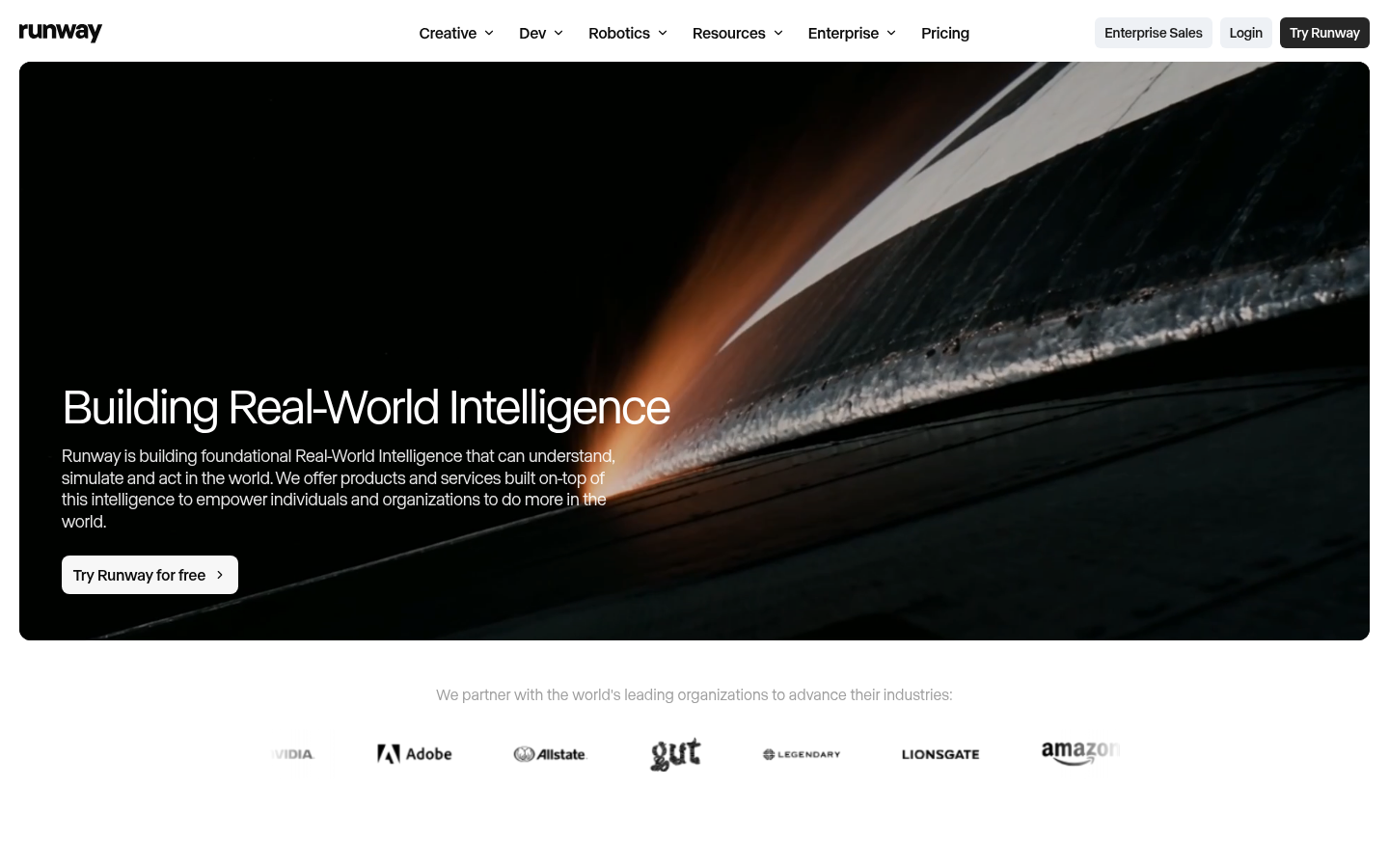
Runway
- One subscription unlocks Kling, Veo, Seedance, and Runway's own Gen-4.5
- Aleph 2.0 does frame-level edits most competitors can't touch
- Runway Agent chains prompt, generate, and edit into a single pass
- Credits disappear fast once you touch 4K or longer sequences
- The tool sprawl means a real learning curve before you're fast
Pick Runway when you want model choice, not just one engine.
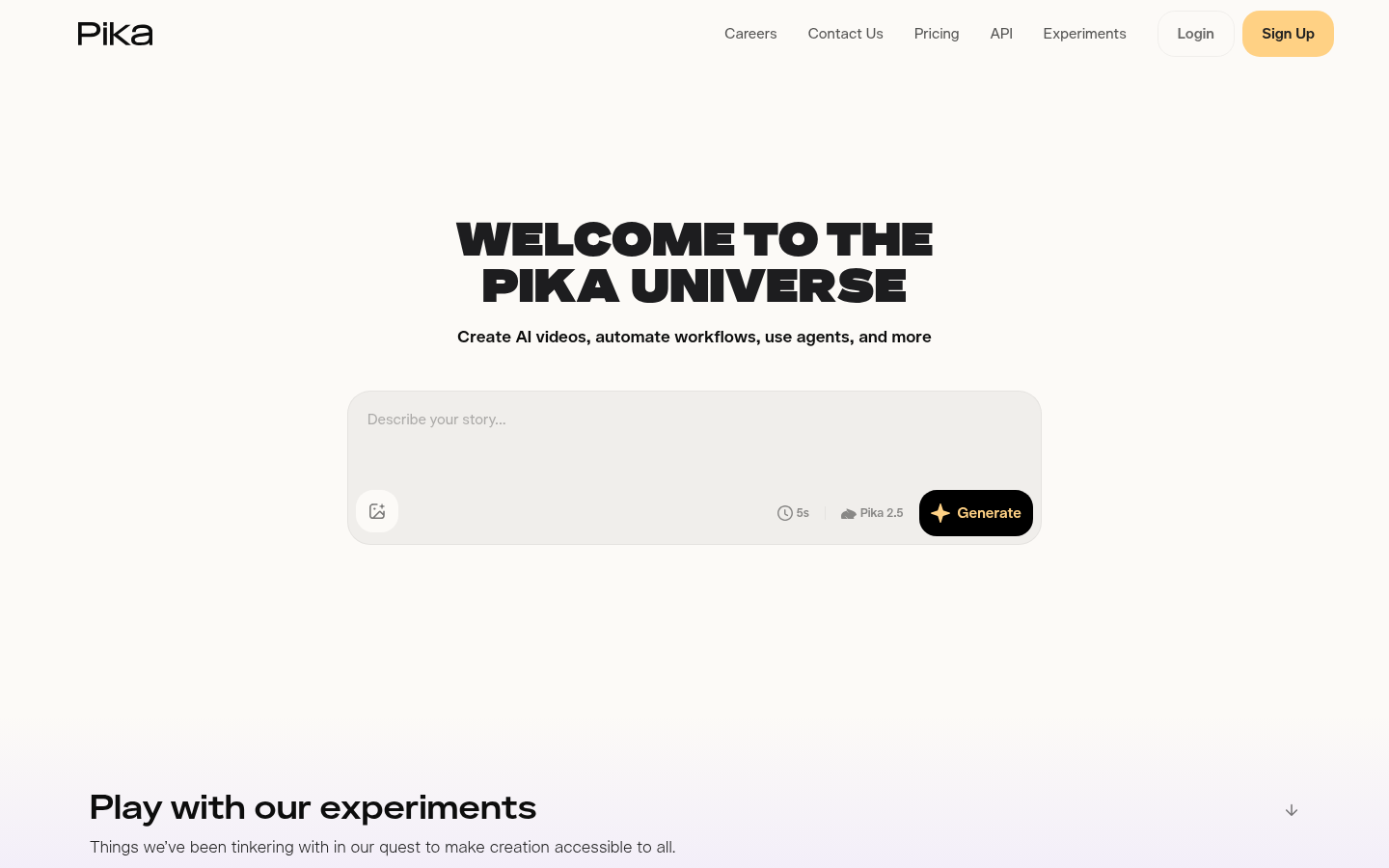
Pika
- Pikaffects and Pikatwists do stylized transforms nothing else packages this cleanly
- Pika Agent and Pika MCP let you generate from a chat, not a form
- Standard tier removes the watermark for eight dollars a month
- Free tier caps out at 480p and stamps every clip with a watermark
- Built for novelty clips first, cinematic realism is a secondary strength
The pick for fast, playful clips, not a Veo-grade cinematic replacement.
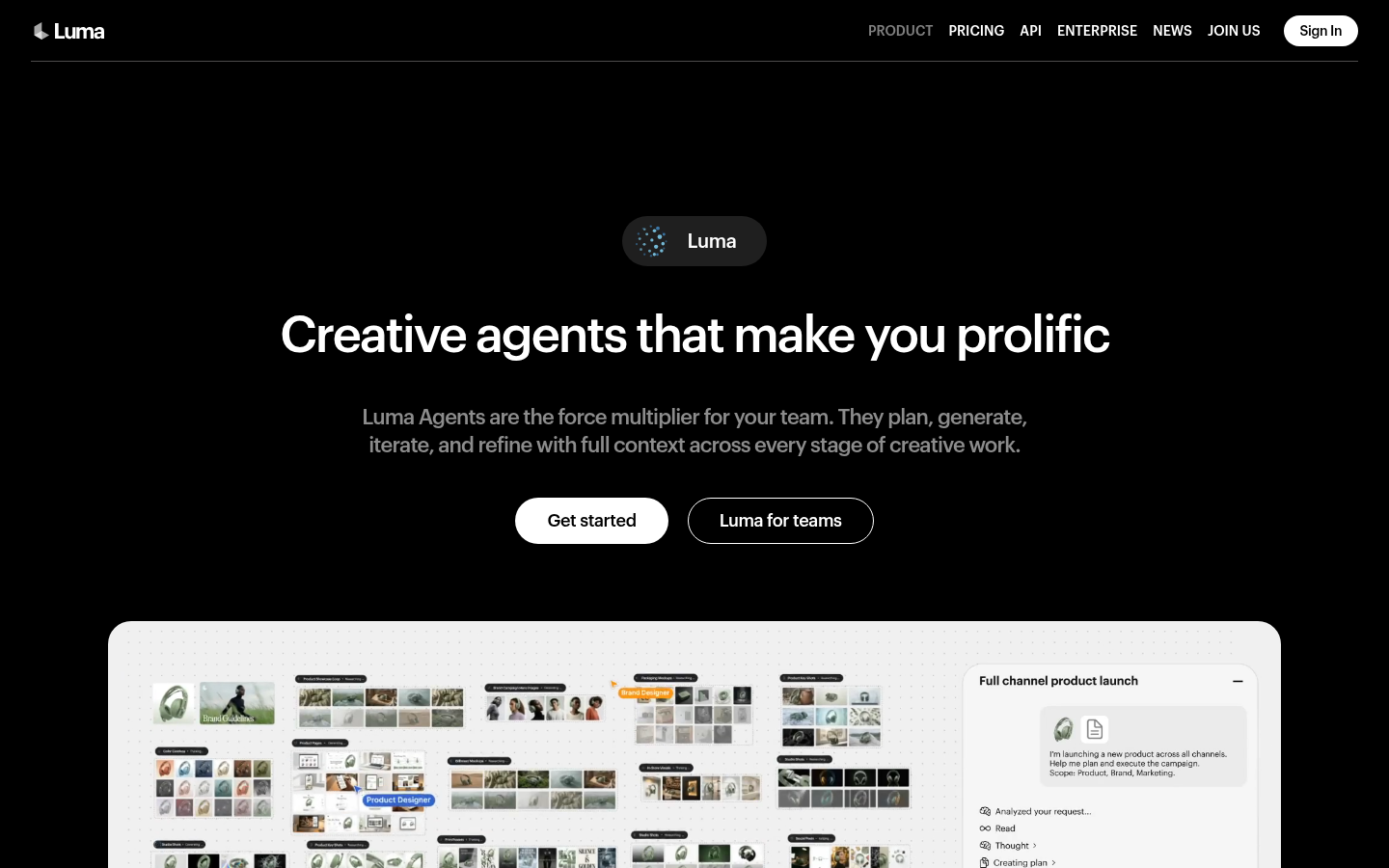
Luma Dream Machine
- Luma Agents plan and iterate across video, image, and slide decks together
- Strong on coordinated product visuals and multi-format ad variants
- Ray3.2 and Ray3.14 models hold shared context across generation steps
- No free tier, Plus starts at thirty dollars a month before you've tested anything
- Agent-driven jobs burn credits quickly on multi-step campaigns
Built for marketing campaigns, not the quick single clip Veo replaces.
Verdict
If you want the cinematic bar closest to Veo without the per-second bill, start with Kling AI's free tier. Reach for Runway when you need Veo, Kling, and Seedance under one subscription. Skip straight to Luma Dream Machine if the deliverable is a marketing campaign, not a single clip.
How we tested
This comparison is built from each vendor's current pricing and product pages, checked the week of publication, cross-referenced against aggregated user sentiment on G2, Capterra, and Trustpilot for the reliability signal behind each score. We did not run a controlled clip-for-clip generation test across all five engines side by side. This is a specs and pricing comparison, not a hands-on generation benchmark. Native audio and clip-length caps get called out specifically because they are the two differentiators that most change which workflow an engine actually fits: a matching audio track needs no separate sound pass, and the generation-length cap decides whether you're stitching clips together or working with one continuous shot.