Godot vs Unity: Which Engine Should You Ship With in 2026
Summary
This Godot vs Unity comparison breaks down what actually changes your ship date and your bank account: Godot's MIT license costs nothing at any revenue level, while Unity Pro runs $2,310 per seat once a project clears $200,000 a year. We compare scripting languages, 2D and 3D capability, console export, and the AI tooling Unity now ships first-party but Godot only gets through plugins, so you can pick a foundation instead of guessing.
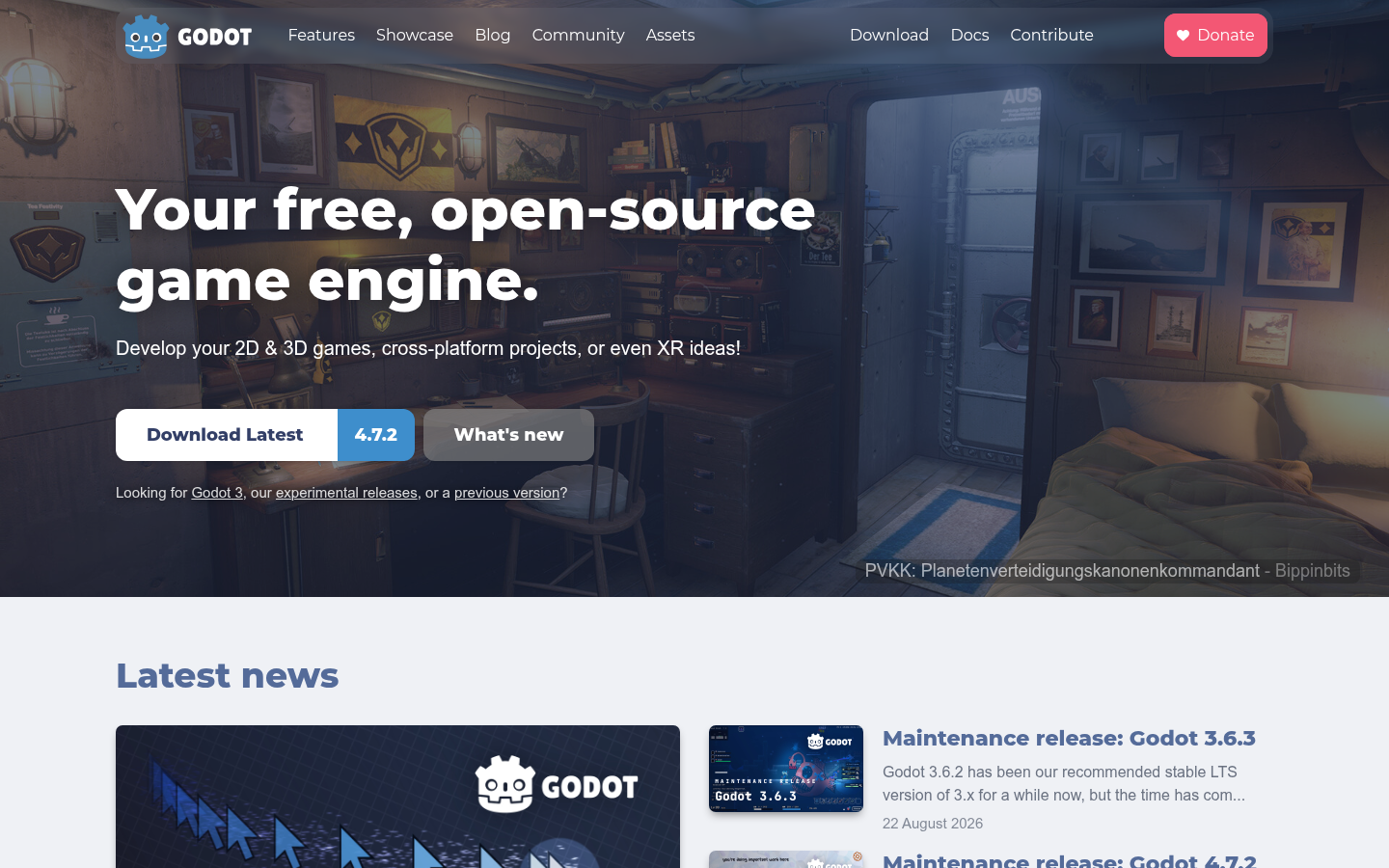
Godot Engine
- MIT license means zero royalties or revenue caps, ever, on any platform
- Dedicated 2D renderer that never feels like a 3D engine wearing a costume
- Small download and fast project load, so iteration stays quick on modest hardware
- Asset marketplace is a fraction of Unity's size, so more gets built from scratch
- No first-party AI tooling, only third-party plugins of uneven quality
- Console certification needs a paid third-party porting partner, not a built-in export
The obvious pick when licensing risk and cost matter more than a mature asset pipeline.
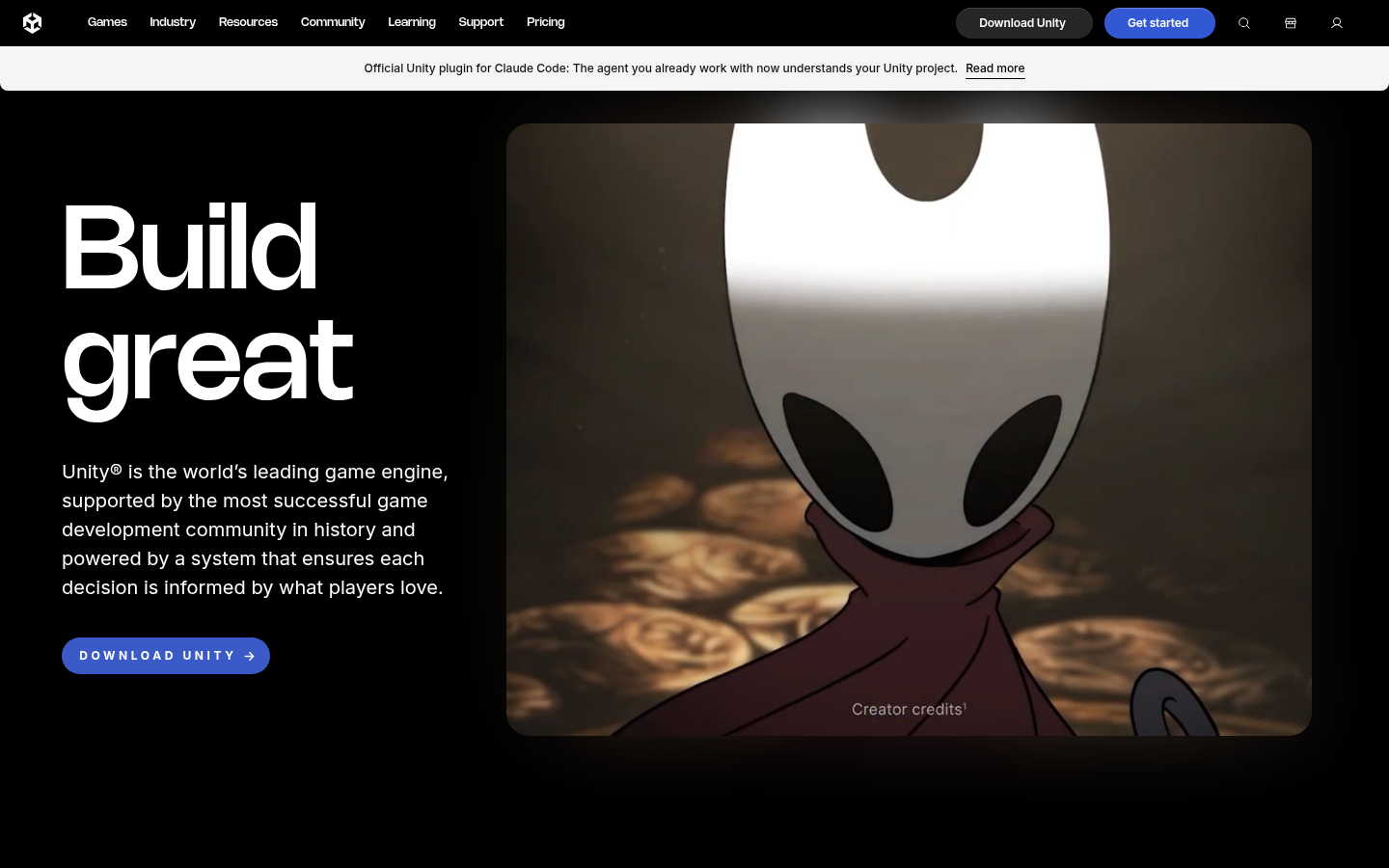
Unity
- Official console certification support for PlayStation, Xbox, and Switch
- Unity Muse and Sentis bring first-party AI generation and on-device inference to the editor
- Asset Store depth cuts real months off building common systems from scratch
- Unity Pro costs 2,310 dollars per seat once a project crosses 200k in revenue
- The 2023 runtime fee reversal proved licensing terms can change after a game has shipped
- Editor and import times grow heavy on larger, 3D-heavy projects
The safer bet for teams that need console certification or a deep asset pipeline today.
At-a-glance
| Godot Engine | Unity | |
|---|---|---|
| Pricing and licensing | Free forever. MIT license, no royalties, no revenue cap, ever. | Free under Unity Personal to $200k revenue. Unity Pro is $2,310 per seat per year above that. |
| Scripting language | GDScript (built-in, Python-like) or C#, plus GDExtension for C++ and Rust. | C# only, compiled through Mono or IL2CPP. |
| 2D game support | Purpose-built 2D renderer, no 3D-engine workaround needed. | Capable 2D toolkit, but layered on a 3D-first engine core. |
| 3D game support | Solid since Godot 4's Vulkan renderer, though lighting and shader tooling are younger. | Mature 3D pipeline: HDRP and URP render paths, deep third-party ecosystem. |
| Platform export and console support | Windows, macOS, Linux, mobile, and web natively; console ports need a paid third-party partner. | Official first-party support for PlayStation, Xbox, and Switch certification. |
| AI-assisted tooling | No official AI assistant. Third-party plugins like Ziva or Godot AI MCP add GDScript generation. | Unity Muse and Unity Sentis ship first-party: in-editor content generation and on-device inference. |
Verdict
Unity remains the safer default for teams planning a console launch or leaning hard on the Asset Store, but Godot's MIT license removes the one risk indie developers can't hedge against: a vendor changing the deal after the game is already out. For the solo and small-team builders this site writes for, that risk asymmetry makes Godot the sharper default, with Unity staying the right call the moment console certification enters the plan.
How we tested
This comparison draws on Godot 4.7.2 and the current Unity 6 LTS release, both checked against their official 2026 documentation and pricing pages in September 2026. Licensing terms were verified against Unity's published pricing update (the January 2026 5 percent increase to Unity Pro) and against Godot's MIT license text. AI tooling claims were checked against Unity's own Muse and Sentis product pages and against third-party Godot plugin listings, since Godot ships no first-party AI feature. Export and console-support claims reflect each engine's official platform documentation rather than marketing copy.
In the Godot vs Unity decision, one fact settles most cases before you even open an editor: Godot will never send you an invoice, while Unity will, past $200,000 a year in revenue, at $2,310 a seat. That's why Godot is the sharper default for a 2026 project for most solo developers and two-person studios this journal writes for, with Unity earning its keep the moment your plan includes official console certification or a decade of ready-made assets you'd rather not rebuild.
The question every indie dev asks eventually
You've got a prompt for a world in your head. Or a level, a mechanic, a jam entry due in three weeks. Before any of that becomes real, you pick a foundation. That choice outlives the first prototype: engines are hard to leave once your save format, your shaders, and your muscle memory are built around one.
Godot and Unity are the two most common answers for teams that aren't waiting on Unreal to compile.
What licensing actually costs you
Godot is MIT licensed. You owe nothing, ever, regardless of revenue, platform, or whether your game sells ten copies or ten million. There is no seat count to track and no dashboard to check before you ship an update.
Unity Personal stays free up to $200,000 in trailing twelve-month revenue. Cross that line and Unity Pro is required at $2,310 per seat per year, a figure that rose 5 percent in January 2026. Teams clearing $25 million move to Unity Enterprise, priced by negotiation.
The number that still shadows every Unity conversation is the 2023 runtime fee: a plan to charge developers per install, announced, then reversed within two weeks under public pressure, then formally cancelled in September 2024. Unity has not brought it back. But the episode proved something Godot's license makes structurally impossible: a commercial engine vendor can change your deal after you've already shipped on it.
Scripting: GDScript, C#, and what you'll actually type
Godot's native language is GDScript, a Python-flavored syntax built specifically for game logic, with first-class support for C# if your team already thinks in it. Need something faster than either. GDExtension lets you drop in C++ or Rust for hot paths.
func _physics_process(delta):
    velocity.y += gravity * delta
    move_and_slide()
Unity is C# only, compiled through Mono or IL2CPP depending on target platform. There's no built-in second language, but the flip side is a decade of C# tutorials, Stack Overflow threads, and university courses that assume exactly this stack.
void FixedUpdate() {
    velocity.y += gravity * Time.fixedDeltaTime;
    rb.velocity = velocity;
}
Neither is objectively harder. GDScript reads closer to pseudocode, which shortens the path from idea to working prototype. C# is stricter and more verbose, but it's a language you can carry into other tools, other engines, other jobs.
2D, 3D, and where each engine actually shines
Godot's 2D renderer was built as 2D from the ground up, not bolted onto a 3D core. Pixel art stays crisp, tilemaps behave, and nothing about the pipeline feels like a workaround. For 3D, Godot 4's Vulkan-based renderer closed most of the visible gap with commercial engines, though lighting tools and shader authoring are still younger and rougher at the edges.
Unity's 2D toolkit is genuinely capable, but it sits on top of an engine designed 3D-first, which occasionally shows in small frictions a 2D-only engine doesn't have. Where Unity still leads outright is mature 3D: the HDRP and URP render pipelines, a deep bench of third-party shader and lighting assets, and years of AAA-adjacent productions that stress-tested the toolchain.
If your world is 2D or stylized low-poly, Godot's dedicated tooling is hard to beat. If you're chasing photorealistic 3D lighting on a deadline, Unity's ecosystem still has more people who've solved your exact problem before you hit it.
Shipping to consoles and everywhere else
Godot exports natively to Windows, macOS, Linux, Android, iOS, and web, with no royalty attached to any of them. Console ports (PlayStation, Xbox, Switch) require a paid third-party porting partner, since Godot's open governance model has no first-party console SDK access to offer.
Unity ships official, first-party support for PlayStation, Xbox, and Switch certification, built directly into the editor and workflow. For a team with a console launch already on the roadmap, that's not a small convenience: it's a real production timeline saved.
Where AI tooling fits in either engine
This is the corner of the comparison that matters most for a site built around AI-generated worlds, so it's worth being precise about what's real versus what's a chat wrapper.
Unity ships Unity Muse and Unity Sentis as first-party products: Muse for in-editor content generation, Sentis for running trained models on-device for gameplay-time inference. Both live inside the official pipeline, with Unity's own support and documentation behind them.
Godot has no built-in AI assistant, and none is on the near-term roadmap. What exists instead is a growing third-party layer: editor plugins like Ziva, community MCP servers that connect Claude or Cursor to a Godot project at the file level, and a handful of AI-native forks that sit on top of Godot 4's open codebase. Quality varies widely, and most of what's labeled "AI" is a thin wrapper that pastes your selection into a chat API and streams GDScript back.
If official, supported AI tooling inside the editor is a hard requirement today, Unity has the head start. If you're comfortable wiring in a plugin or an MCP bridge yourself, Godot's open architecture makes that easier to bolt on than most closed engines allow.
The verdict, again, with the receipts
Unity remains the safer default for a team with a console launch already scheduled, or one that's leaning hard on years of Asset Store shortcuts to hit a deadline. Its first-party AI tooling and mature 3D pipeline are real advantages, not marketing lines.
But for the solo developers and small studios who make up most of this readership, the calculus tilts the other way. Godot's MIT license removes the one risk you can't hedge against with a spreadsheet: a vendor changing the terms after your game is already in players' hands. That risk asymmetry, more than any single feature row, is why Godot is the sharper starting point in 2026.
So the real question isn't which engine is objectively better. It's which risk you'd rather carry into your next project: a subscription line item, or a shorter shelf of ready-made assets you'll have to build yourself.