Best 2D Game Engines in 2026: 6 Compared for Indie Devs
Summary
The best 2D game engines in 2026 start with Godot: free under the MIT licence, built for 2D and easy to learn. GameMaker leads for commercial sprite games at a one-time $99.99, GDevelop and Construct 3 cover no-code creators, Defold ships the smallest web builds, and Unity fits teams that need platform reach or 3D. Prices and limits were checked in October 2026.
Six 2D game engines compared on licence cost, coding model, web build size and platform reach, with a clear pick for indie developers and the one-line reason to choose each.
At-a-glance
| Godot Engine | GameMaker | GDevelop | Construct 3 | Defold | Unity | |
|---|---|---|---|---|---|---|
| Price and licence | Free, MIT licence, no royalties or revenue threshold | Free for non-commercial use; $99.99 one-time Professional licence for commercial releases | Free tier with daily publish limits; paid plans from $7.99/month | Free tier capped at 50 events and 2 layers; Individual plan $129.99/year | Free, source-available under the Defold licence | Personal free up to $200,000 in revenue and funding; Pro above that |
| How you build | Node and scene editor, GDScript or C# | Drag-and-drop plus GML scripting | No-code event sheets, optional JavaScript | No-code event sheets in the browser, optional JavaScript | Lua scripting, component-based editor | C# scripting in a large editor |
| Web export | Yes, with the heavier web build of a full engine | Yes, included in every tier | Yes, publishes to gd.games and the web | Yes, HTML5 is the native target | Yes, builds often under 2 MB gzipped | Yes, with a larger runtime footprint |
| Mobile and console reach | Desktop, mobile and web; consoles through third-party porting | Desktop, web, mobile; console export on the Enterprise subscription | Desktop, Android, iOS on paid tiers, web | Desktop and mobile export on paid plans | Desktop, web, mobile, with console targets listed by the project | Widest platform list of the six, consoles included |
| Where it stops scaling | Few limits for 2D; 3D is improving but not the focus | Very little for 2D; 3D is not its job | Event sheets get heavy on large games | Event sheets get heavy on large games | Smaller community and asset library | Complexity and update churn for small 2D projects |
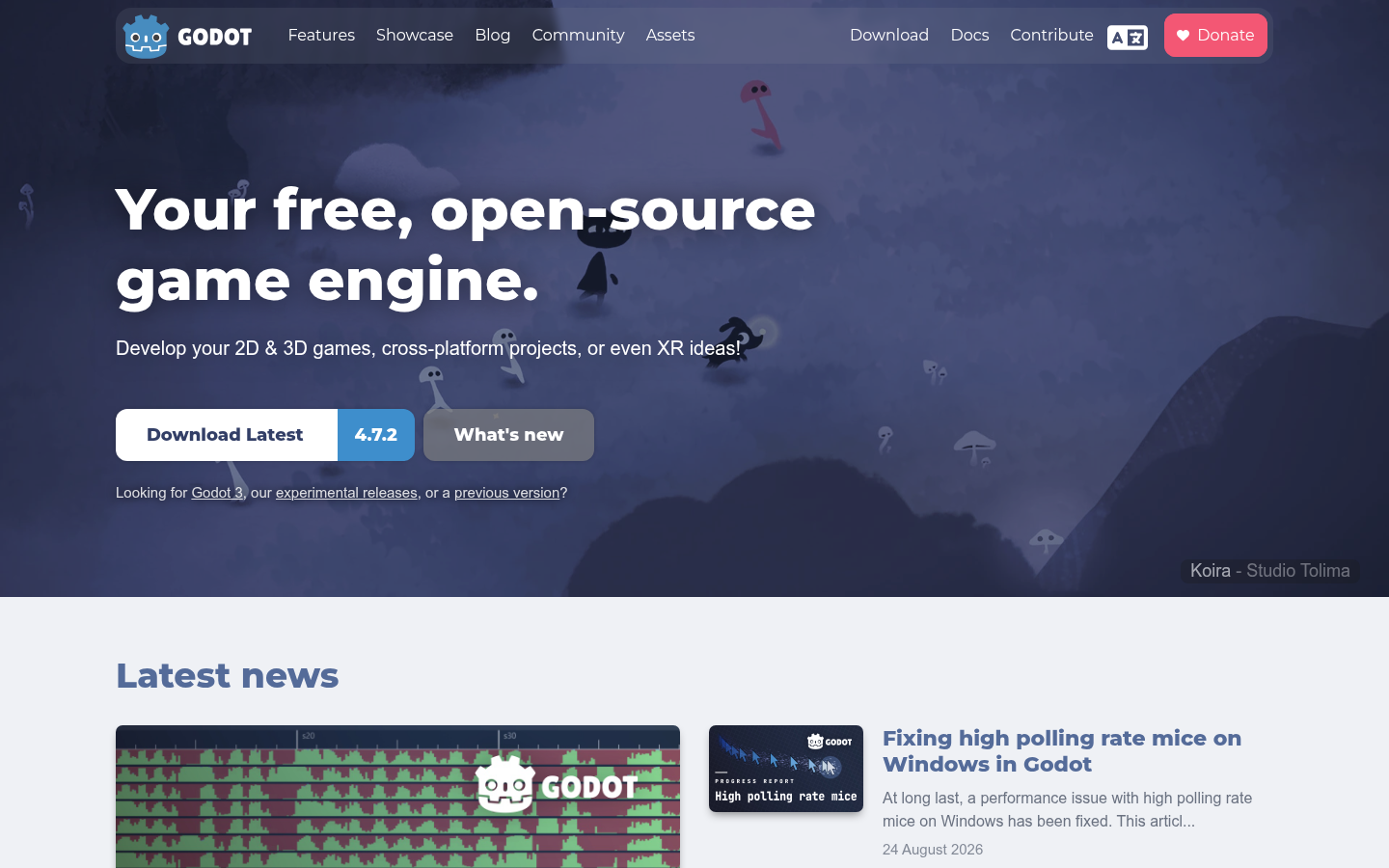
Godot Engine
- Dedicated 2D renderer with pixel-accurate rendering, not 3D with a flat camera
- MIT licence: no royalties, no seat fees, no revenue threshold
- GDScript reads like Python, so the first week stays gentle
- Light editor that runs on a modest laptop
- Documentation assumes you will read it; there is no hand-holding wizard
- Console export needs third-party porting work rather than a built-in button
The default answer for 2D in 2026, and the one we would hand to a first-time indie dev.
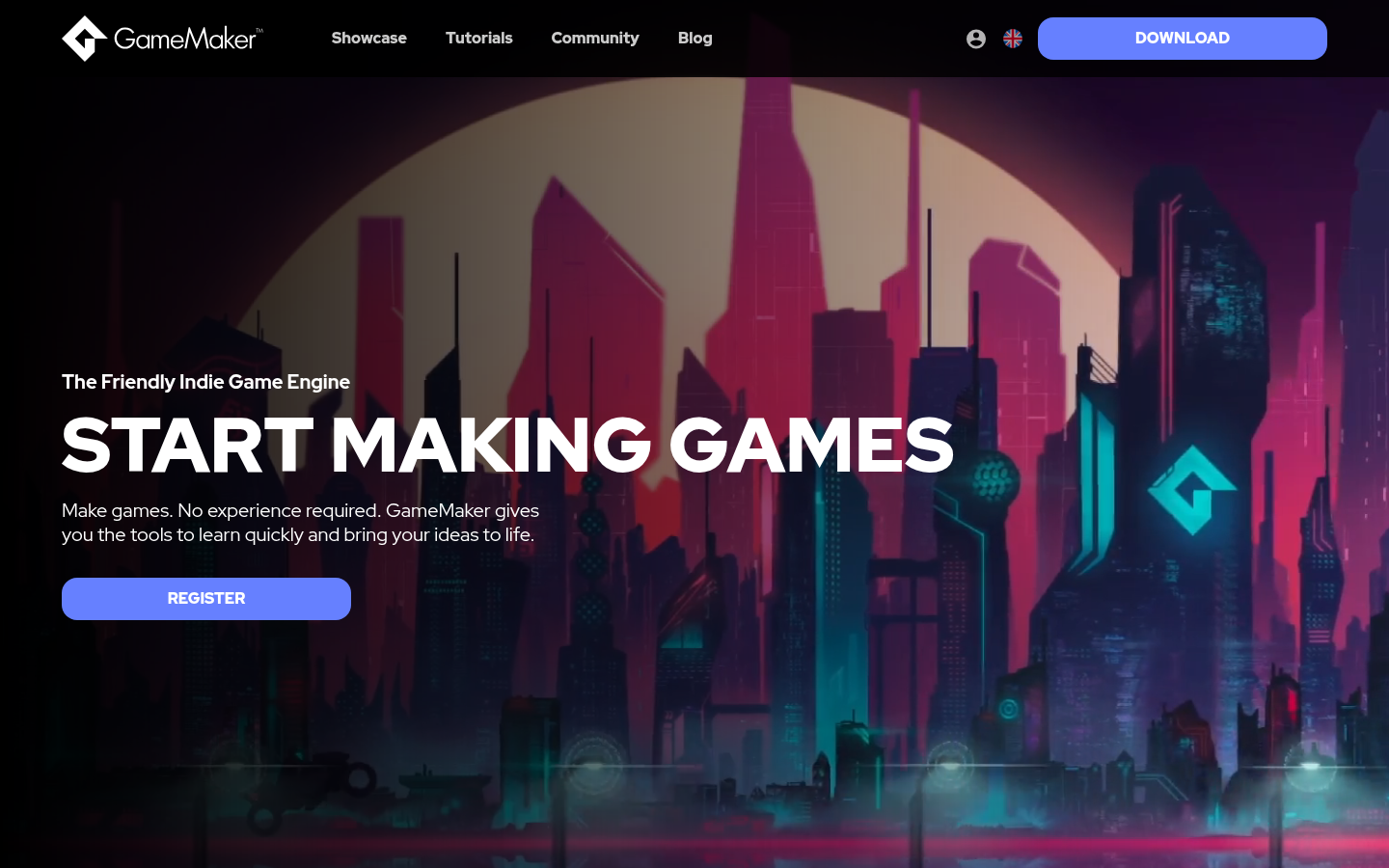
GameMaker
- Built for 2D from day one, with a track record that includes Undertale and Hotline Miami
- Drag-and-drop and GML let you start visually and move to code
- One-time $99.99 licence instead of a subscription for commercial release
- No forced watermark or splash screen on any tier
- Not an option if the game might become 3D later
- Console export sits behind the Enterprise subscription, not the one-time licence
The specialist: if the game is sprites and you want a proven path to Steam, it earns its price.
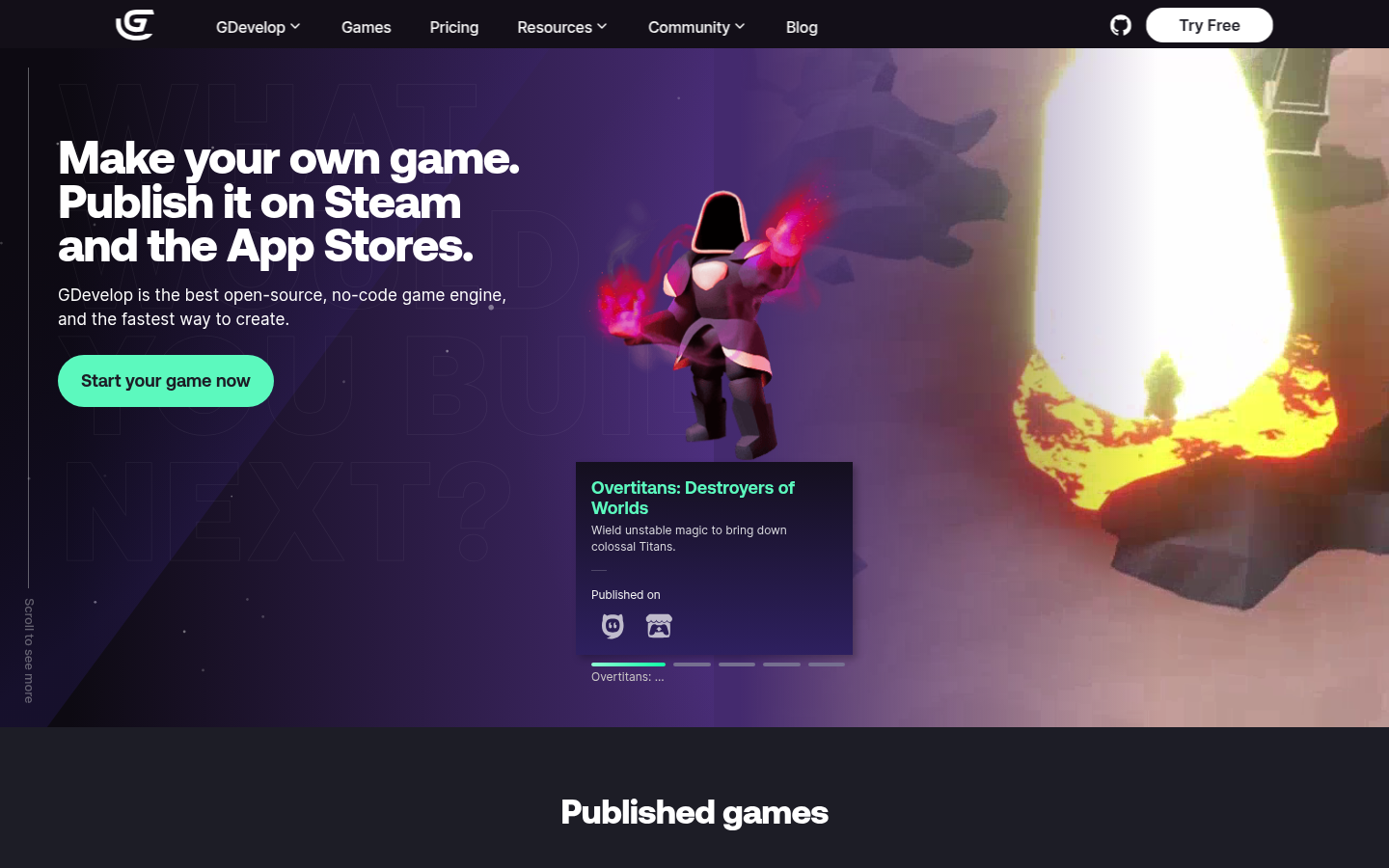
GDevelop
- Open-source MIT editor and engine, free to start
- Event-based logic means no syntax to learn
- Built-in AI assistant with credits on every plan
- One-click publishing to web, desktop and Android
- The free plan limits publishing to one desktop or Android build per day
- Accounts using the cloud services above $50,000 in revenue must take the $39.99/month Pro plan
The friendliest free route into 2D, as long as you read the plan limits before you ship.
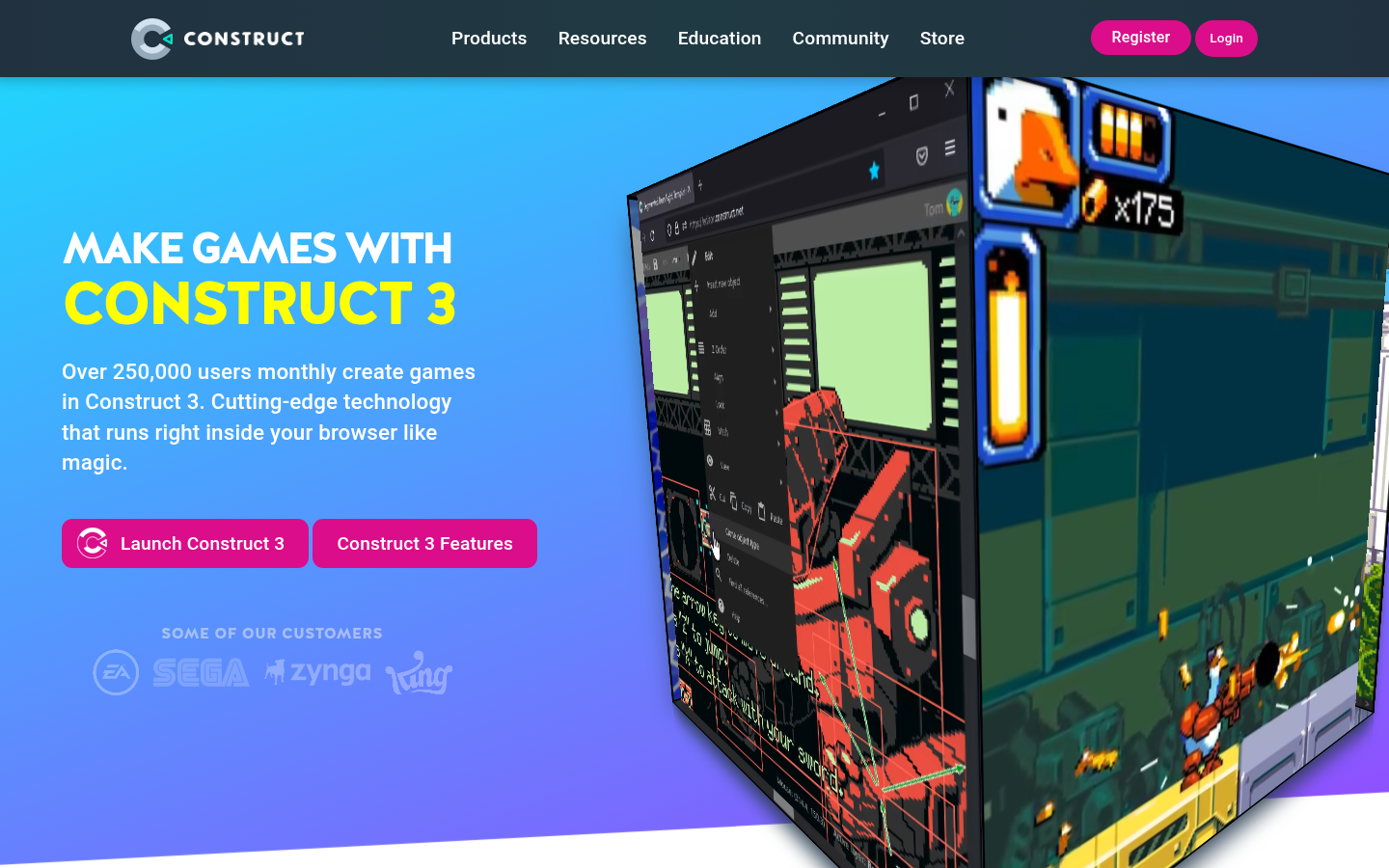
Construct 3
- Runs entirely in the browser, nothing to install
- Smoothest HTML5 export of the no-code group
- Highest Capterra rating of the six (4.7 across 326 reviews)
- Optional JavaScript when events stop being enough
- The free tier stops at 50 events and 2 layers, which ends real projects quickly
- Desktop and mobile export start at $129.99/year as a subscription
Excellent for the web and for learning, but you rent it rather than own it.
Defold
- Free forever and source-available
- HTML5 builds often under 2 MB gzipped
- Lua is small and quick to pick up
- Backed by the Defold Foundation and the former King team behind it
- Smaller community and asset library than Godot or Unity
- Lua and a component workflow feel unfamiliar if you come from C# or GDScript
Pick it when load time decides whether a player stays, as on mini-game platforms.
Unity
- Largest asset store and community of any engine here
- Broadest platform coverage, consoles included
- Personal tier is free below $200,000 in revenue and funding
- Capterra reviewers rate it 4.6 across 845 reviews
- Capterra reviewers keep flagging bugs and painful version updates
- A sprawling editor is heavy for a small 2D project, and Pro becomes mandatory past $200,000
Strong, but its strengths are 3D and platform reach, not 2D simplicity.
Verdict
Pick Godot unless you have a specific reason not to. It is free under the MIT licence, built for 2D from the ground up and gentle enough for a first project. Choose GameMaker for commercial sprite games, GDevelop or Construct 3 if you will not write code, Defold for the smallest web builds, and Unity when platform reach or a later jump to 3D matters more than 2D simplicity.
How we tested
I built this list from primary sources, not from a week of hands-on builds. For each engine I read the vendor's current pricing and licence pages, release notes, and the aggregated Capterra scores, and I cross-checked claims against independent 2026 roundups. Prices were checked in October 2026 and will move. The six engines are scored out of 5 on five things a solo or small-team 2D developer actually pays for: licence cost, learning curve, web export, platform reach and the point where the tool starts to fight you. Scores are editorial judgement informed by those sources, not an average of user ratings. No engine here is an affiliate partner, and the ranking was not influenced by any commercial relationship.
The best 2D game engines in 2026 start with Godot. It is free under the MIT licence, built for 2D from the ground up and light enough for a modest laptop. GameMaker suits commercial sprite games, GDevelop and Construct 3 suit people who will not write code, Defold wins on web build size, and Unity makes sense when you need platform reach. Here is how the six compare, and who each one is for.
Why does the engine choice matter more in 2D?
A 2D game is small enough to finish. That is the whole appeal, and it is also the trap. Pick an engine built for something bigger and you spend the first month in menus instead of making tiles move.
A 2D project asks different questions from a 3D one. How good is the sprite renderer? How does the tilemap tool handle a 40-screen level? How big is the web build when a player clicks a link? Those are the questions behind the scores in the table above.
What does each engine cost you?
Price is where the six differ most, and where the footnotes hide.
Godot costs nothing, ever. There is no royalty and no revenue threshold. Defold is also free, under a source-available licence. GameMaker is free until you want to sell, then asks $99.99 once for a commercial licence. Construct 3 and GDevelop sit on subscriptions once you outgrow the free tier. Unity is free on the Personal plan until revenue and funding pass $200,000, and then Pro is required.
None of these numbers is exotic. What matters is which wall you hit first: a daily publish limit, an event cap or a revenue line.
Is no-code good enough for a real game?
For a first game, yes. GDevelop and Construct 3 replace code with event sheets: when the player touches the ground and Space is pressed, set vertical speed. You see the result immediately.
The ceiling is real, though. Event sheets get hard to read once a game grows past a few hundred rows, and that is where Godot or GameMaker start to feel calmer. Treat no-code as a way to learn the shape of game logic, and as a fine way to ship something small.
Which engine builds the smallest web game?
Defold, by a distance. Its HTML5 builds often come in under 2 MB gzipped, which matters on mini-game platforms where a player leaves if the page takes four seconds. Construct 3 is the other web-first option, since it runs in the browser and exports HTML5 natively. Godot and Unity can ship to the web too, but their runtimes are heavier.
If your game lives behind a link and not in a store, build size is a design constraint, not a footnote.
Where does AI fit into 2D engines?
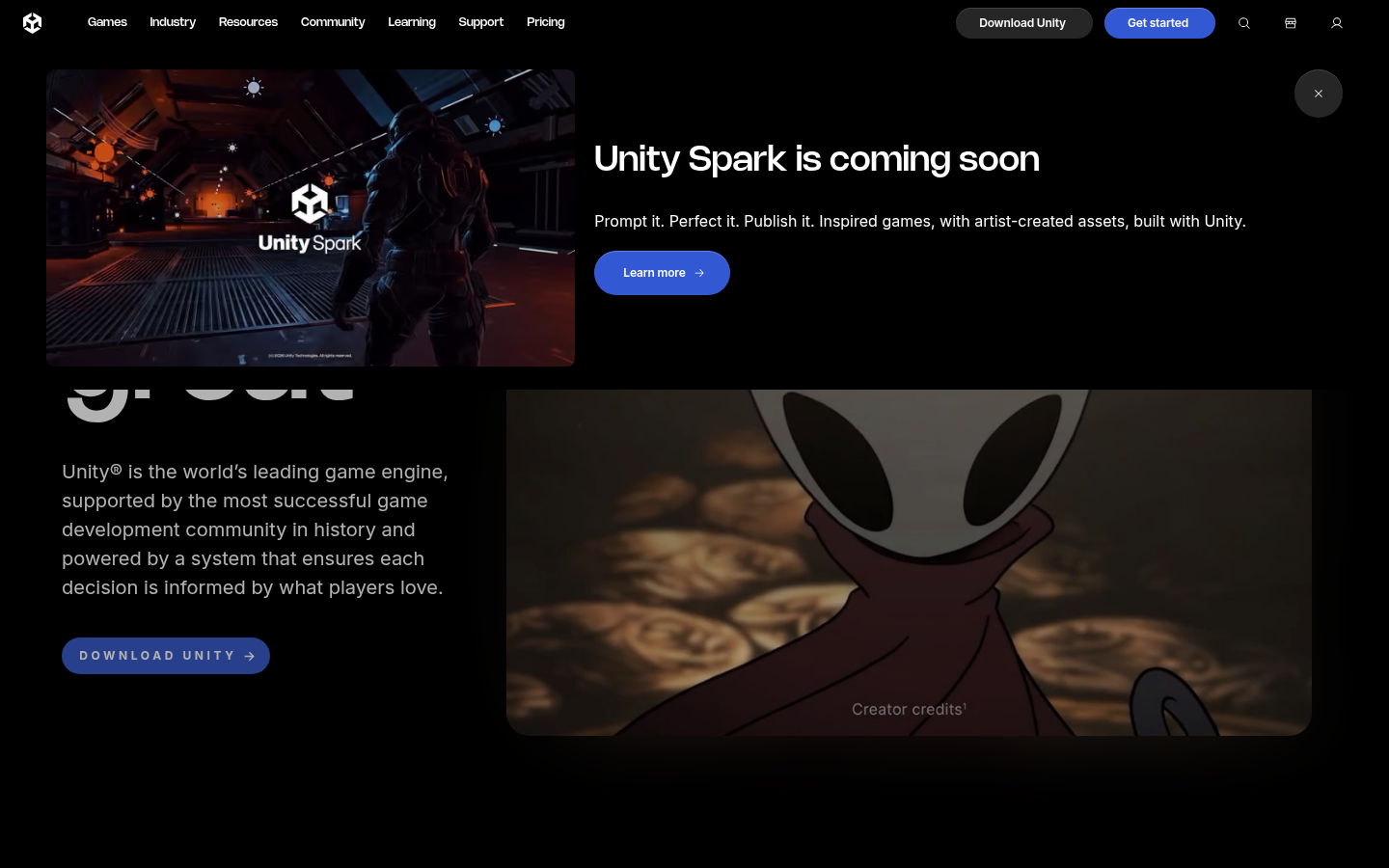
Two things are changing at once. GDevelop now ships an AI assistant inside the editor, with credits on each plan, and Unity has announced Unity Spark, a prompt-driven tool that it lists as coming soon. We are not scoring unreleased features.
Prompt-to-world tools are a different category again. They generate a playable space from a description rather than giving you a scene editor, and none of the six engines above works that way. If you want a controlled 2D pipeline you can version, export and sell, an engine is still the right tool. If you want to see a world tonight and decide afterwards, a prompt tool is a faster first sketch. Many indie developers will use both.
Which one should you open first?
You write a little code and want one free engine: Godot. You are making a pixel-art platformer for Steam: GameMaker. You refuse to write code and want open source: GDevelop. You are shipping a browser game and want a polished no-code tool: Construct 3. Load time decides everything: Defold. You need consoles on day one, or you expect to add 3D: Unity.
Finish something small in the lightest engine that fits. Then decide whether you need the heavy one.
How does Capterra back this up?
User scores are a useful sanity check, and they are not the same as our ranking. On Capterra, Construct 3 sits at 4.7 across 326 reviews, GDevelop at 4.6 across 249, Unity at 4.6 across 845, GameMaker at 4.4 and Godot at 4.3 across 29 reviews. Godot's small review count reflects an open-source tool that most people never review on a software marketplace, so the number says little about quality.
Unity's reviewers praise accessibility and versatility, and the same reviews keep flagging bugs and painful version updates. That tension is why it ranks last here for 2D work, despite the strong score.